 Kimai
How to manage attendance and PTO in Kimai

Valentina
@ivalentinaTime management in a team has two sides: tracking the time people work, and managing the time they’re away: vacation, sick days, public holidays, parental leave, sabbaticals, and time off for overtime. When absences live in spreadsheets, shared mailboxes and someone’s memory, timesheets have less chances to be up to date.
That’s why Working hours, vacation, sickness & public holidays is one of Kimai’s most important features for teams. It turns Kimai from a time tracker into a complete attendance and absence management solution, with working time contracts, overtime balances, PTO requests, sickness tracking, and more.
The feature is available with a Kimai Cloud Professional subscription and as a plugin for self-hosted Kimai. It has received several major updates in recent months, many of them based on your feedback and feature requests. Here’s an overview considering the last improvements.
1. Working hours management: contracts and time accounts
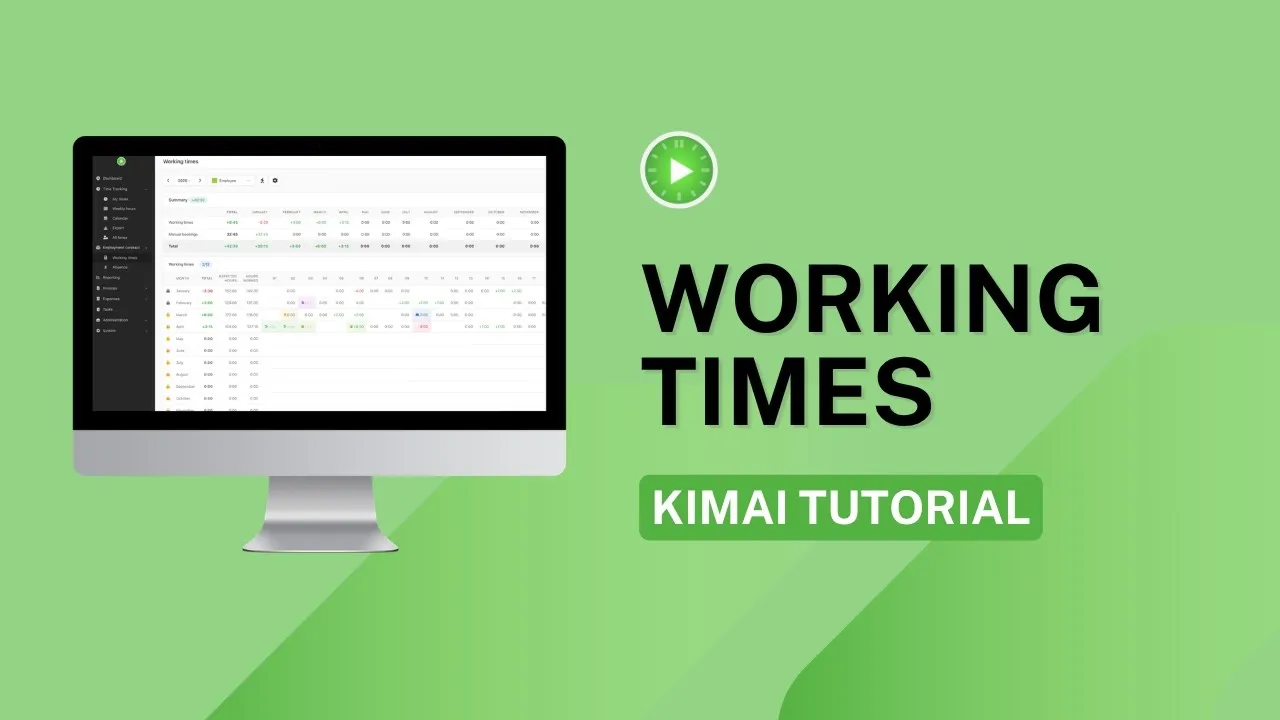
Every employee in Kimai can have a working contract that defines their expected working hours. Kimai then compares expected and actual working time and keeps a running time account, so overtime and minus hours are always visible, without a single formula.
What you can set up per employee:
- Expected hours per weekday
- Vacation entitlement per calendar year
- Start and last working day
- Public holiday group per region or country
- Attendance project mode
Watch how it works.
2. Absence management: PTO, vacation, and sick leave with an approval workflow
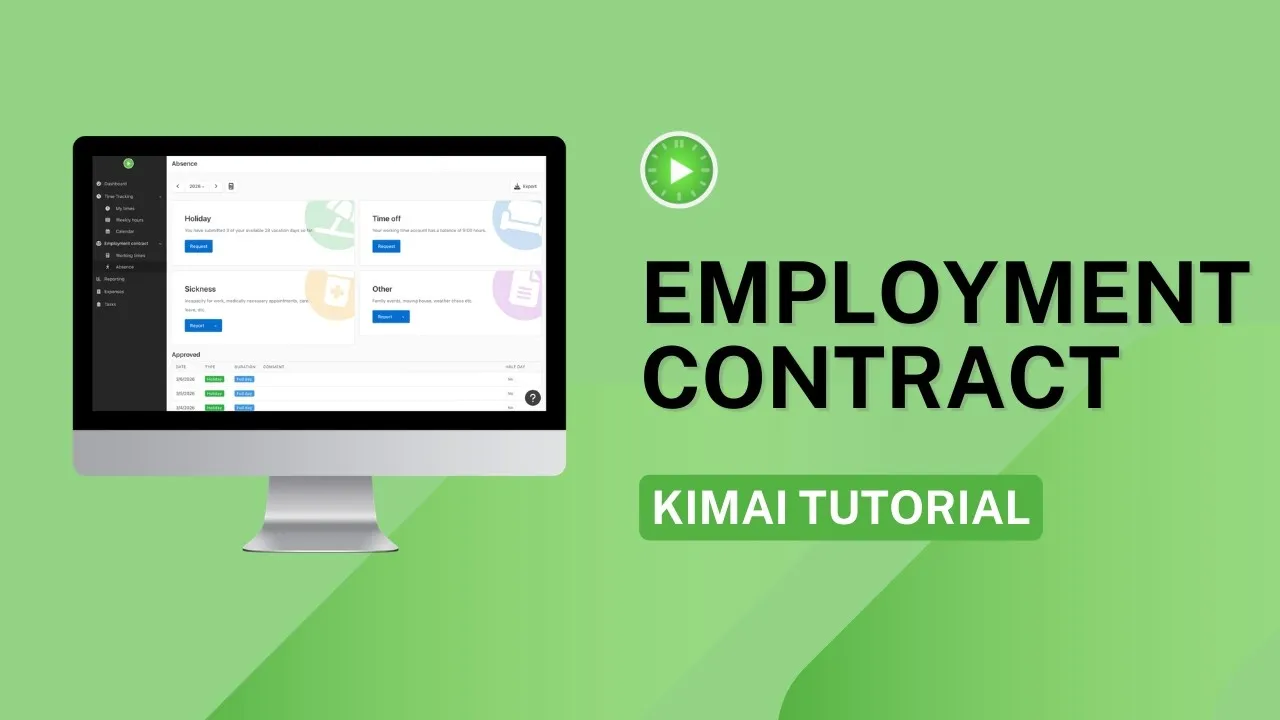
The rules in this game are simple. Employees request time off in Kimai, supervisors approve it in Kimai - less email requests and double checking.
What employees can book as absence:
- Vacation as full or half days, also as date ranges. Days without expected working hours are skipped automatically.
- Sickness, including sickness of a relative (e.g. a sick child), as a date range
- Time off (PTO) to use up overtime
- Other absences such as sabbatical
Watch our video tutorial to learn the basics of absence management.
3. Customisable absence types
No two companies handle leave the same way. Kimai lets you set up the absence types your business actually uses: annual leave, doctor appointments, sickness of a relative, sabbatical, and your own custom types. As a result your reports, PDFs, and time accounts follow your leave policy instead of the other way round.
Watch how it works.
4. Absence calendar
This feature answers the question every team lead asks on Monday morning: who is actually in this week? You’ll find the answer under Reports → Absence calendar. It shows one row per person and one column per day of the month, so vacations, sick days and public holidays line up at a glance.
Use it to plan your team’s capacity, plan meetings and releases around the holidays, and also make sure two key people aren’t off in the same week.
Our video tutorial walks you through these steps.
Final thoughts: stay organised through the busy season
Even when holidays, flu season and busy weeks pile up, the right setup for attendance and PTO management helps your team stay organised. Your team members get their holidays, HR gets their numbers, and team leaders can stay focused on business results.
Do you still have questions about managing working hours and absences in your team?
FAQ
How do I make the Kimai working hours feature available?
There are two ways:
- Kimai Cloud: subscribe to the Professional plan. It includes working hour accounts, public holidays, vacation and sick leave tracking.
- Self-hosted Kimai: the plugin Working hours, vacation, sickness, public holidays in the Kimai store
What is PTO management software?
PTO (paid time off) management software lets employees request vacation and time off, lets managers approve it, and keeps leave balances up to date automatically. In Kimai, it sits right next to your time tracking, so leave and working hours share one time account.
Can Kimai be used as an attendance management system?
Yes. Kimai compares each employee’s expected working hours from their contract with the hours they actually tracked, and shows overtime or minus hours per day, month and year. You can also count only one attendance project as working time.
How do I track employee sick days in Kimai?
Employees enter sickness on the Absence screen, as a single day or a date range. Sick days are approved automatically, appear in the absence calendar and are included in absence reports and exports.
How does the absence approval workflow work?
A new vacation or PTO request goes to Requested and the supervisor gets an email. The supervisor approves or rejects it, alone or in bulk, and the employee is notified. Only approved absences count in the time account.
Can I see a team vacation calendar in Kimai?
Yes. Go to Reports → Absence calendar for a monthly view with one row per person. Show all users to turn it into an availability calendar for capacity planning.
Can vacation days and overtime be carried over to the next year?
Yes. Use a manual booking in the employee’s working times to move the final balance of hours or vacation days into the next year. You can also book next year’s vacation in advance.
Are public holidays supported?
Yes. You define public holiday groups per country or region and assign each employee to one. Holidays are factored into expected hours and shown in the absence calendar.
Can I try it before buying?
Yes! Explore the Kimai demo, or start a free 30-day Kimai Cloud trial.