 Kimai Docs
Password forgotten
If you cannot login to your Kimai-Cloud, there is usually a simple explanation and solution! Let's explore the question: What is your Cloud account and what is your Kimai user account?
First registration
To use Kimai you need to register two accounts – your Cloud account and your Kimai user account. My Kimai Cloud (Cloud) is the interface where you manage your subscription and Kimai is the interface where you track time.
First things you register your Cloud account by clicking”Start for free”. You either use Google or GitHub account or fill out email and password data:
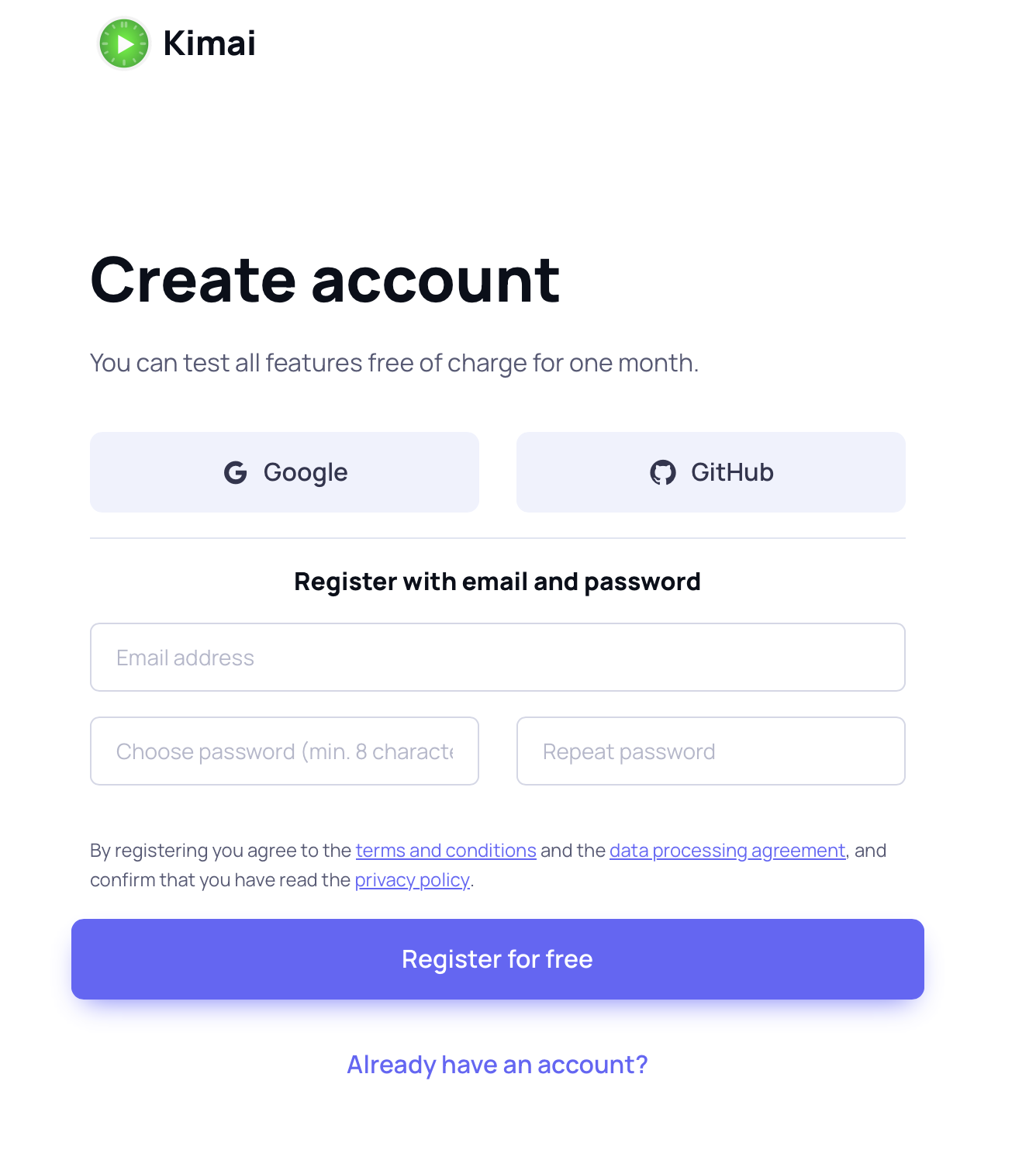
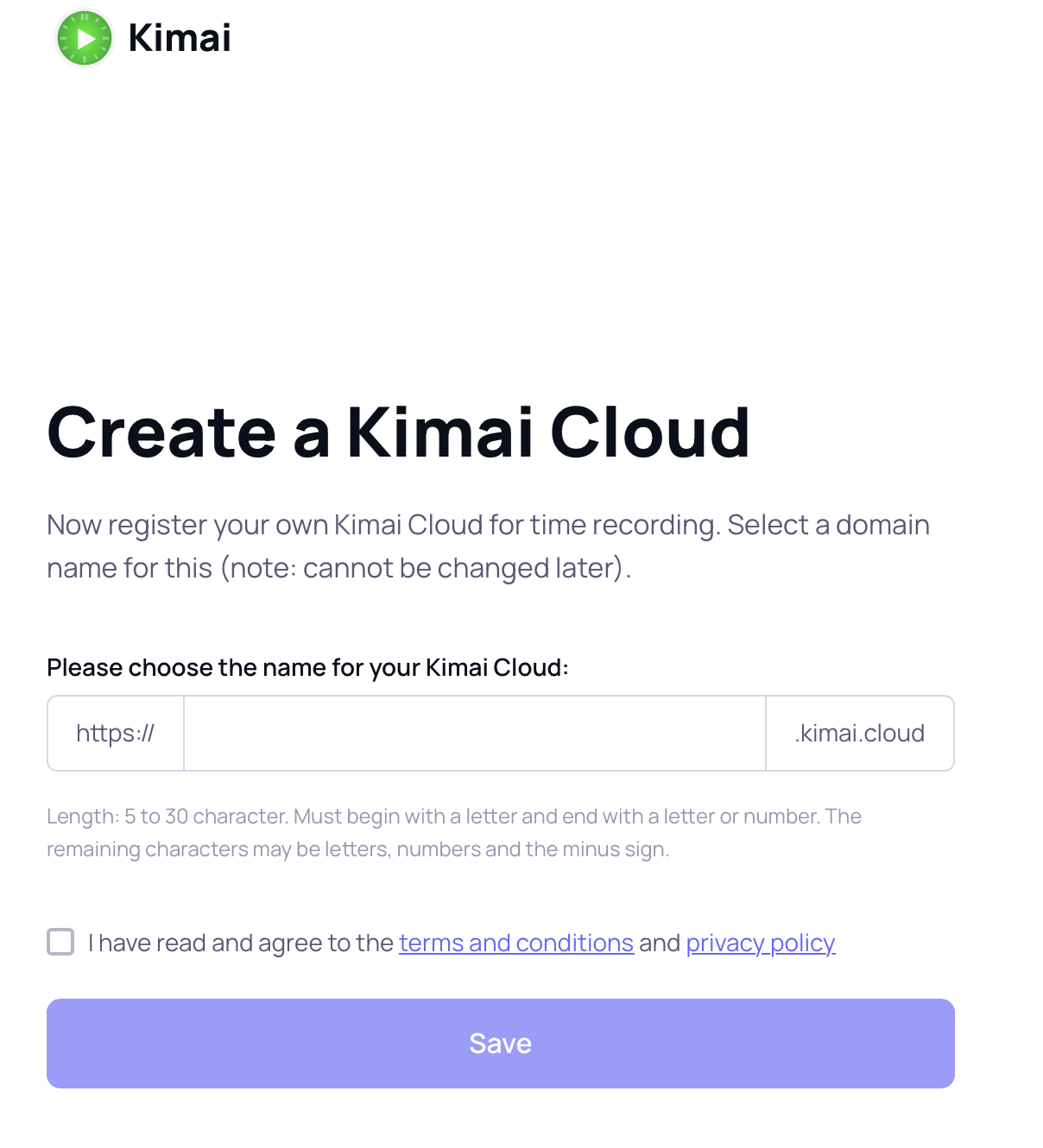
Now you need to confirm your email address by opening the emailed link, after which you choose a name for your Kimai domain. Let’s go with “company” in this screen:
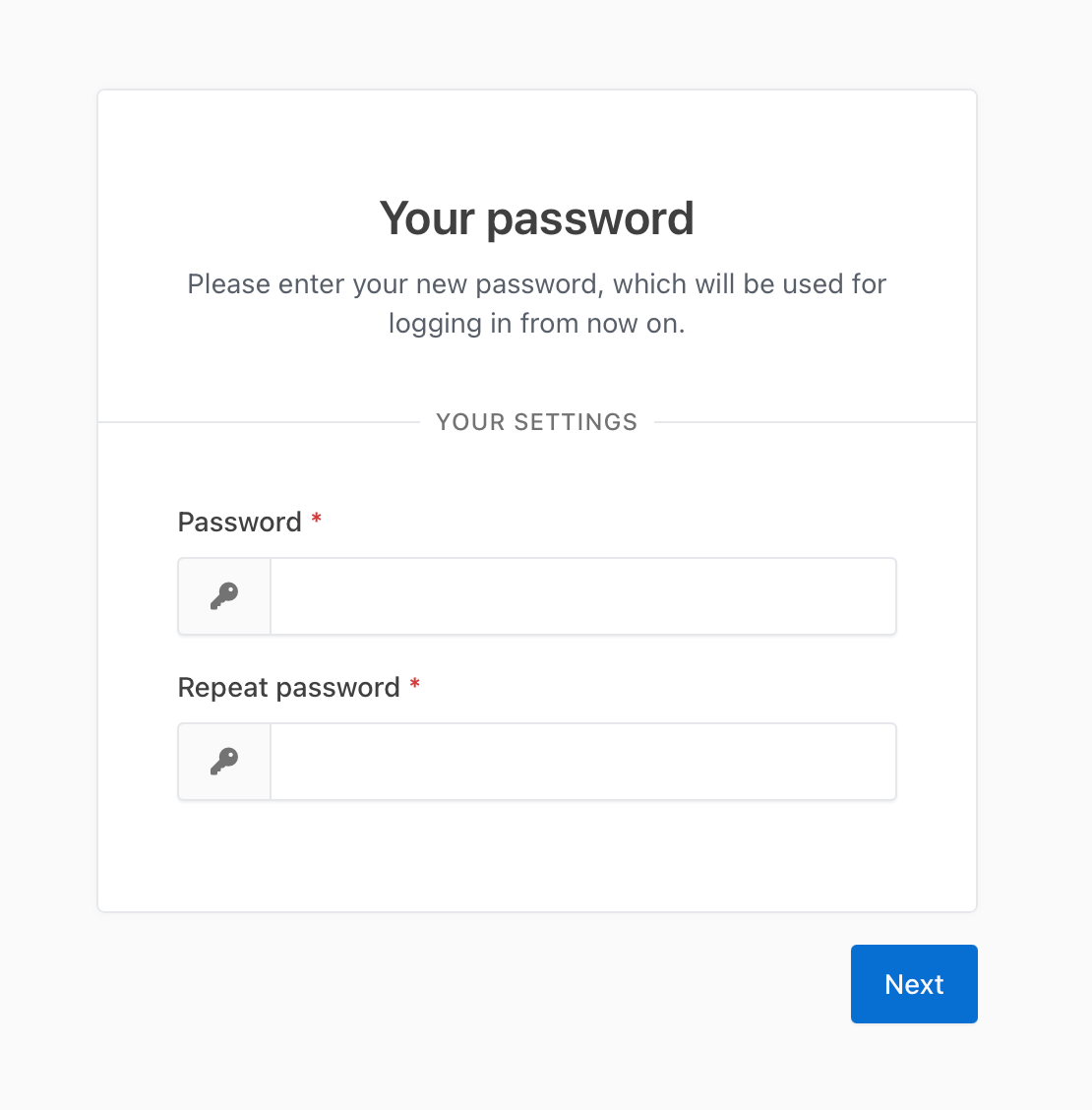
Now a window to create a new password pops up. This password will be what you log in with as a Kimai user to track time. The window opens automatically because to use Kimai, you need at least one user and since you registered the Cloud account you need to become the first Kimai user (Administrator). Set a different password here that will be your private access to your Kimai user account and keep it separately from the Cloud account data.
Now you have two accounts on two different websites:
Kimai – it has the custom domain you chose like https://company.kimai.cloud in our example and every new user you add in Kimai to track time can log in with username and password by opening this page.
My Kimai Cloud – it has a fixed domain https://www.kimai.cloud/my-cloud/ and only the person who registered the Cloud can log in with email and password (or Google/GitHub).
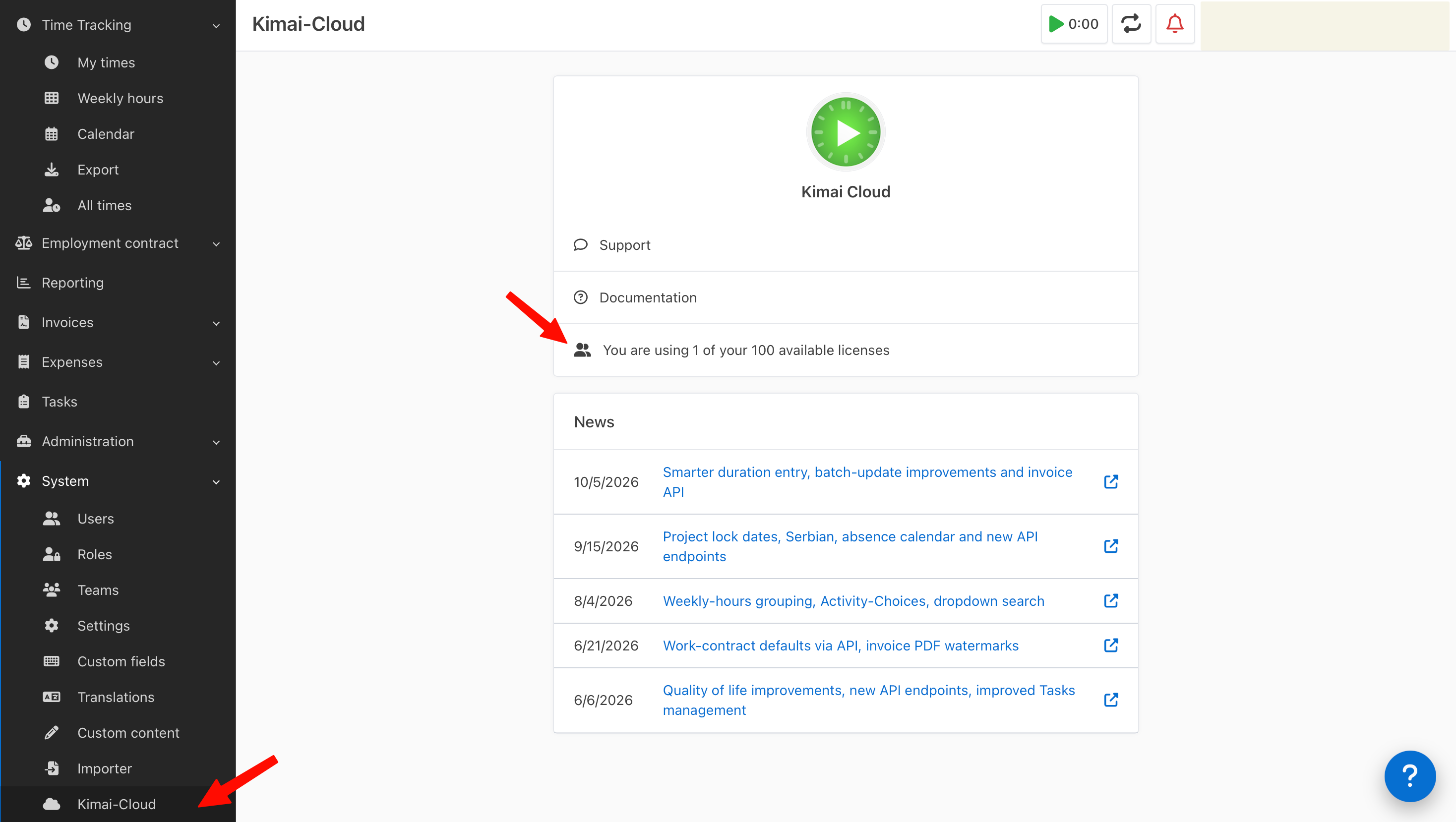
You can access Cloud from Kimai Time-Tracker interface by going to “System” -> “Kimai-Cloud” and clicking on the license field:
Cloud managent
To manage your Cloud, subscription, number of licenses etc, you need to log in to My Kimai Cloud (https://www.kimai.cloud/my-cloud/))
Common problems
Invalid credentials when logging in to My Kimai Cloud or Kimai account
Sometimes passwords get mixed up or your password manager saves the password for the wrong account and now you can’t log in to your (other) account.
Situation:
You registered for the first time by providing email and choosing password. Your password manager (like Chrome or Safari) suggested to save this password with this email for the website Kimai Cloud.
Next, you confirmed email and named your Cloud – now a window to create a new user password for Kimai popped up. You entered new password and saved it in your password manager.
Now you try to log in to https://www.kimai.cloud/my-cloud/ and let the password manager fill in the password. But you get “invalid credentials”.
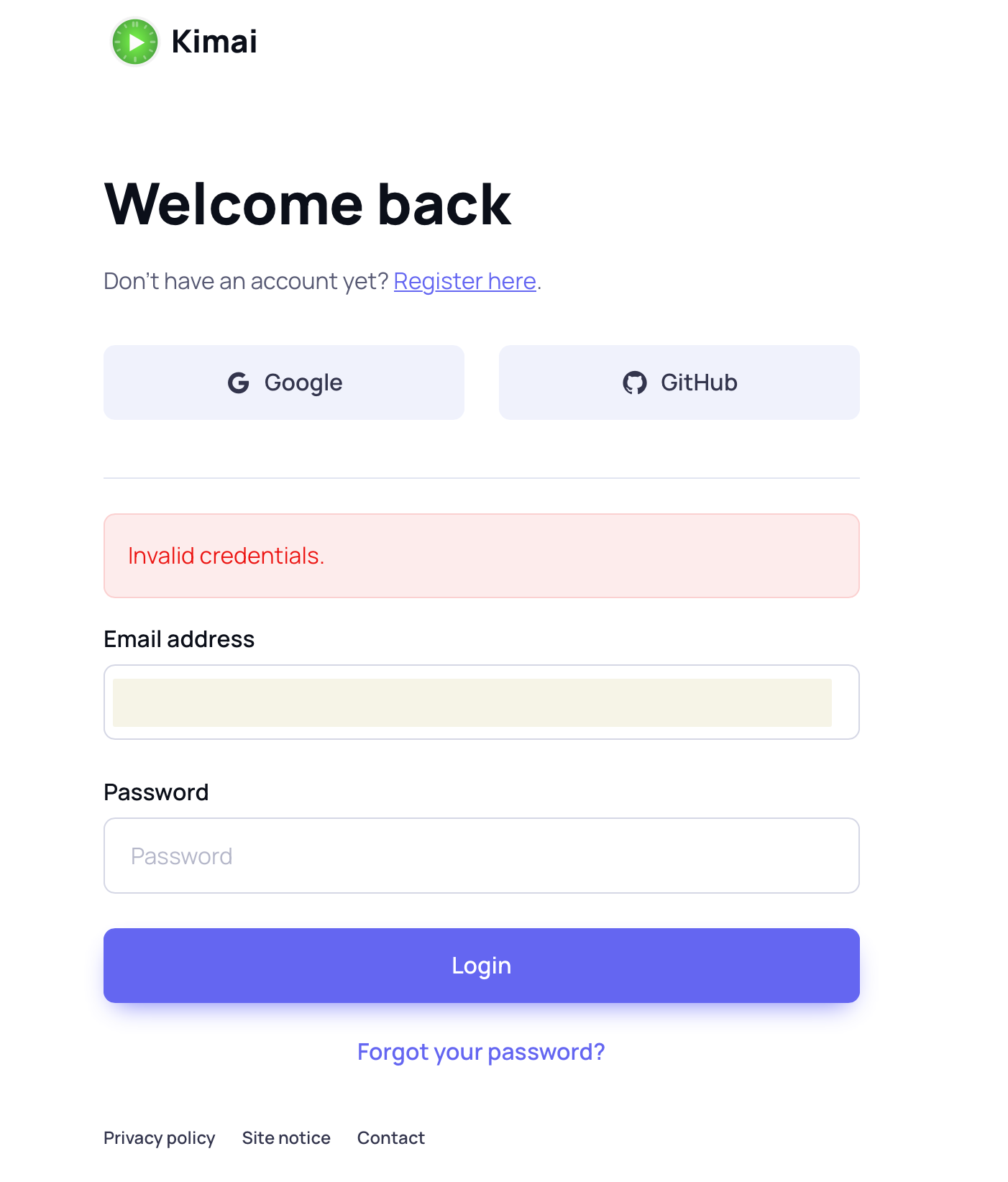
The problem is that your password manager updated the same account with a new password that you created for Kimai user, not the My Cloud login.
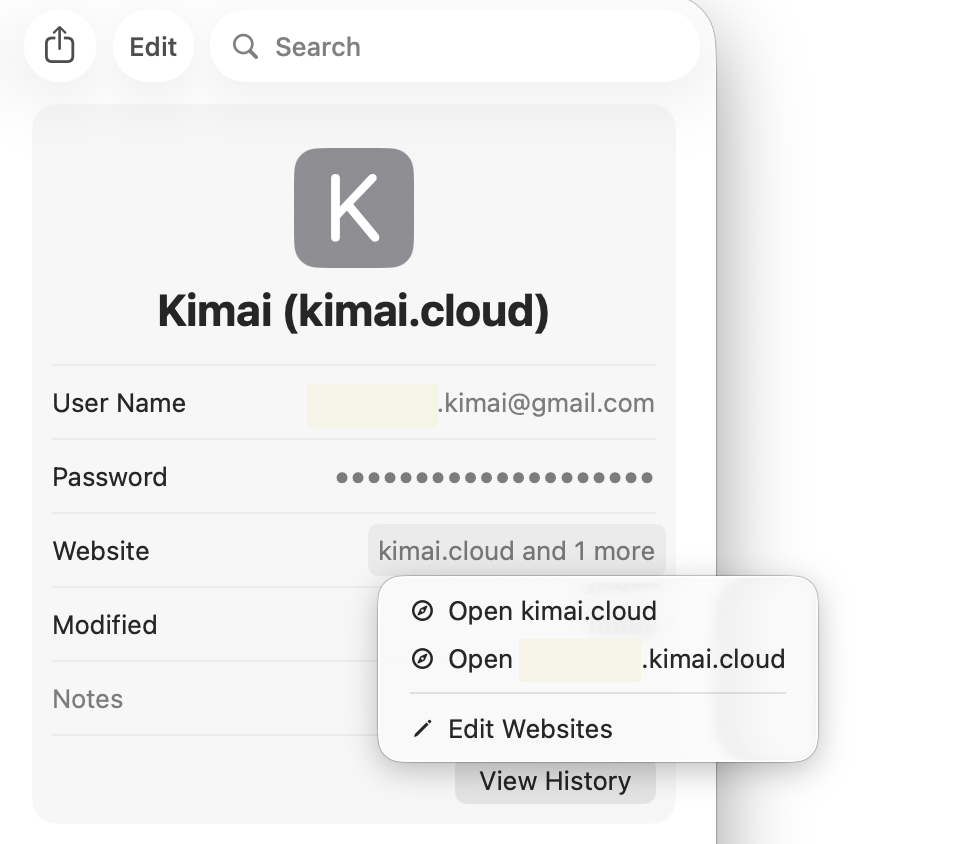
The solution is to click “Forgot password” and create a new password for My Cloud and save it separately in your password manager.
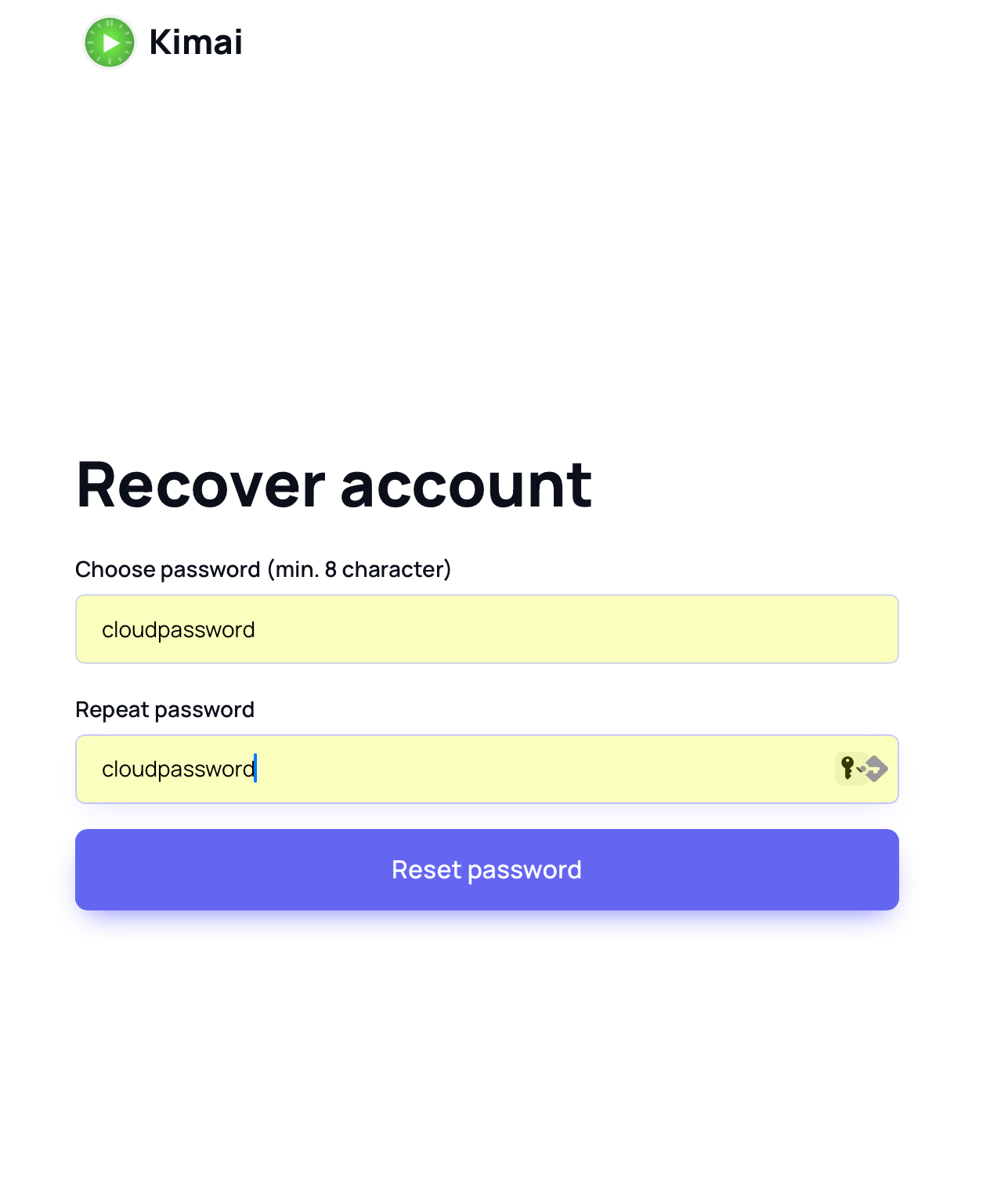
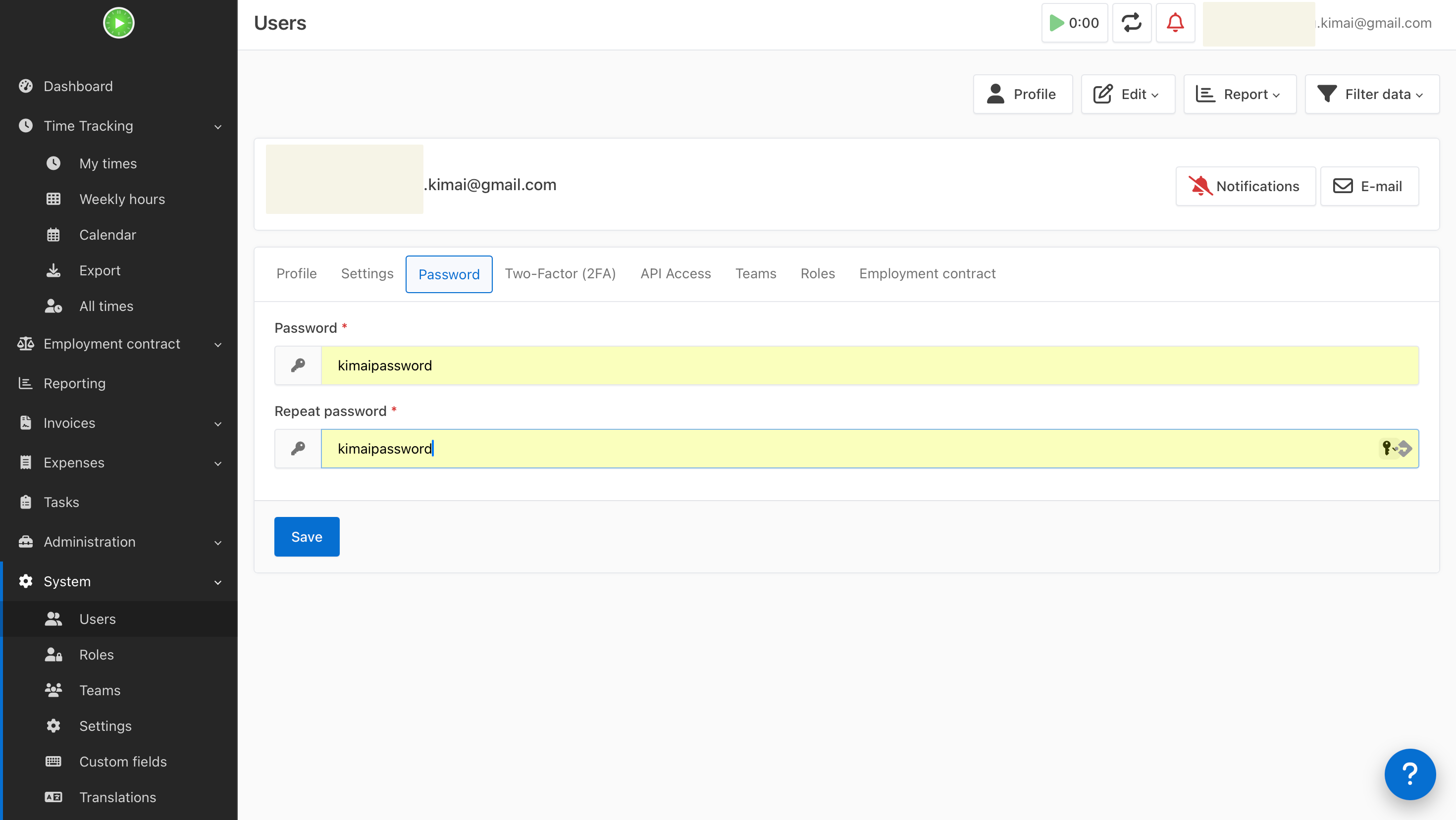
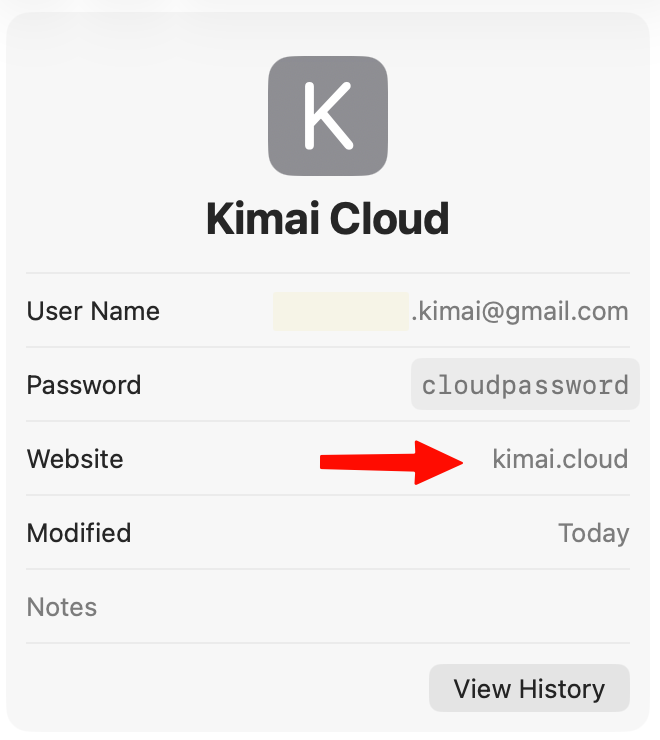
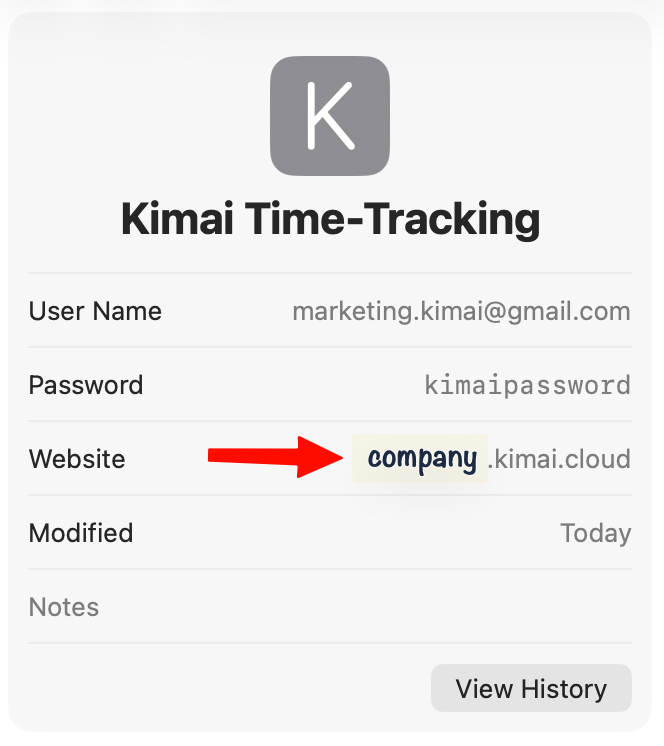
The same issue can happen, just the other way around, when your password manager saves the My Kimai Cloud account password but not the Kimai user password. I this case you should click the “I forgot my password” link and request a new password:
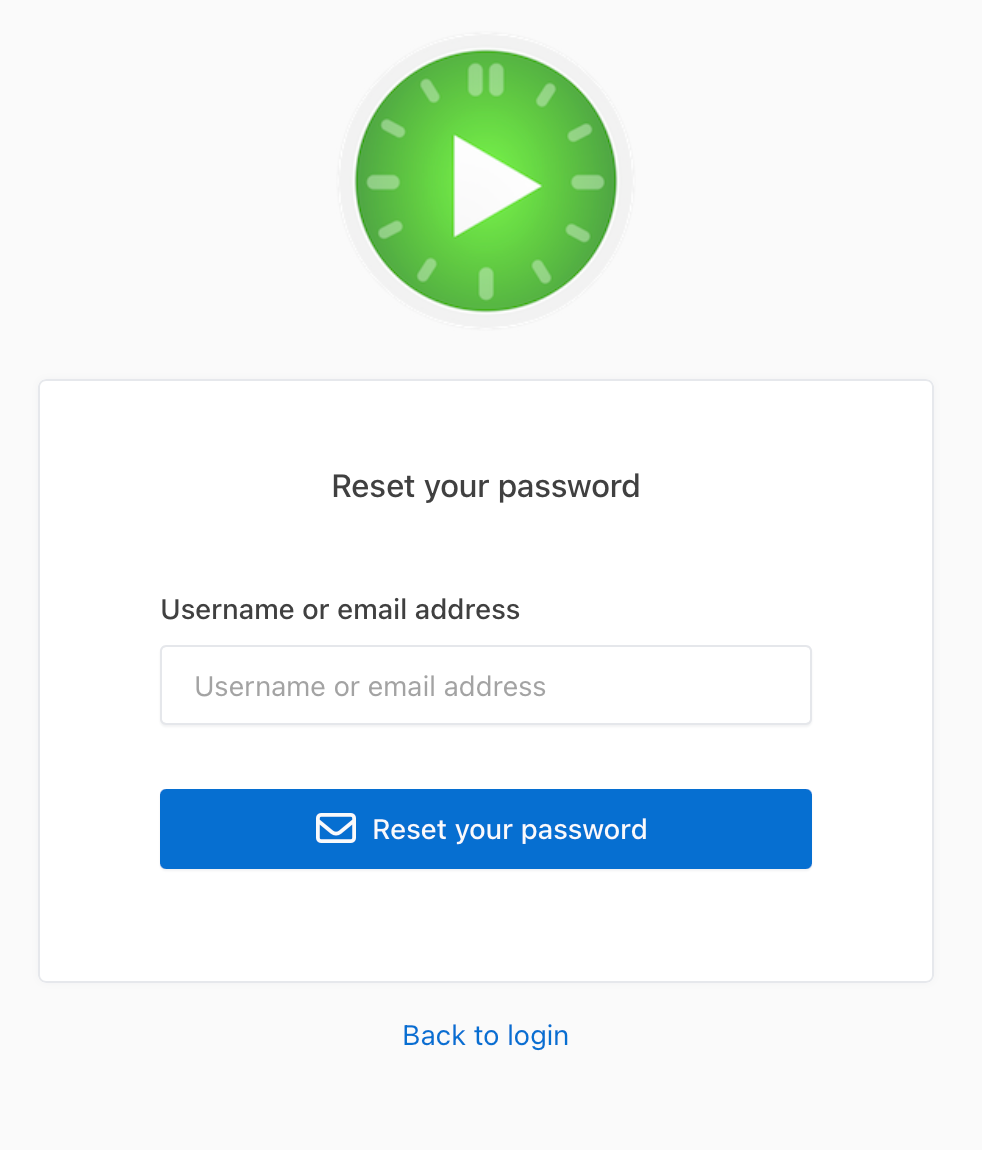
Again, it is advised to save the user login data for your Kimai user account separately.