Kimai
Kimai
KimaiTray
Застосунок-компаньйон у системному треї для Kimai на macOS, Windows та Linux

Пропозиція від
Engazan
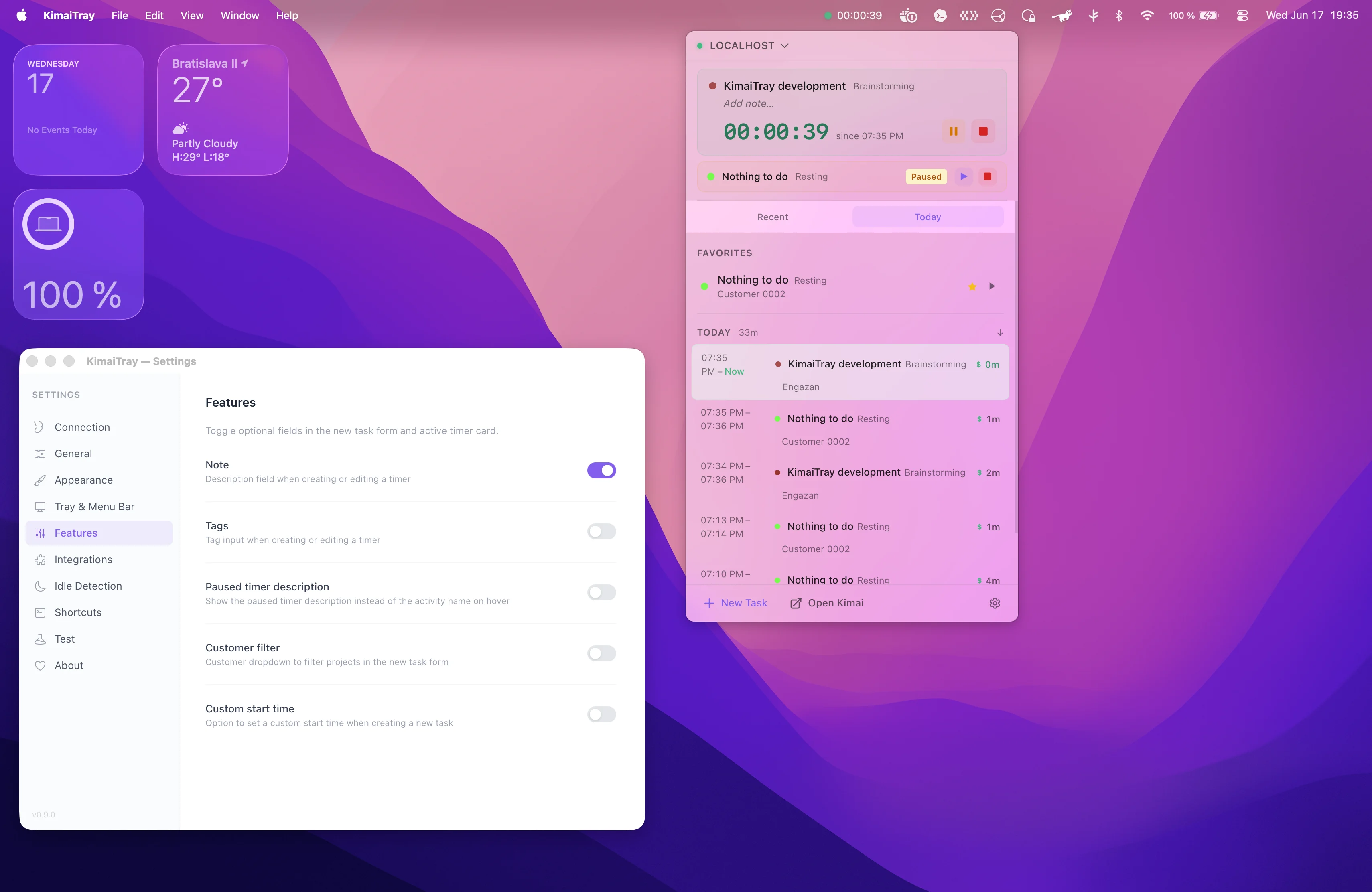
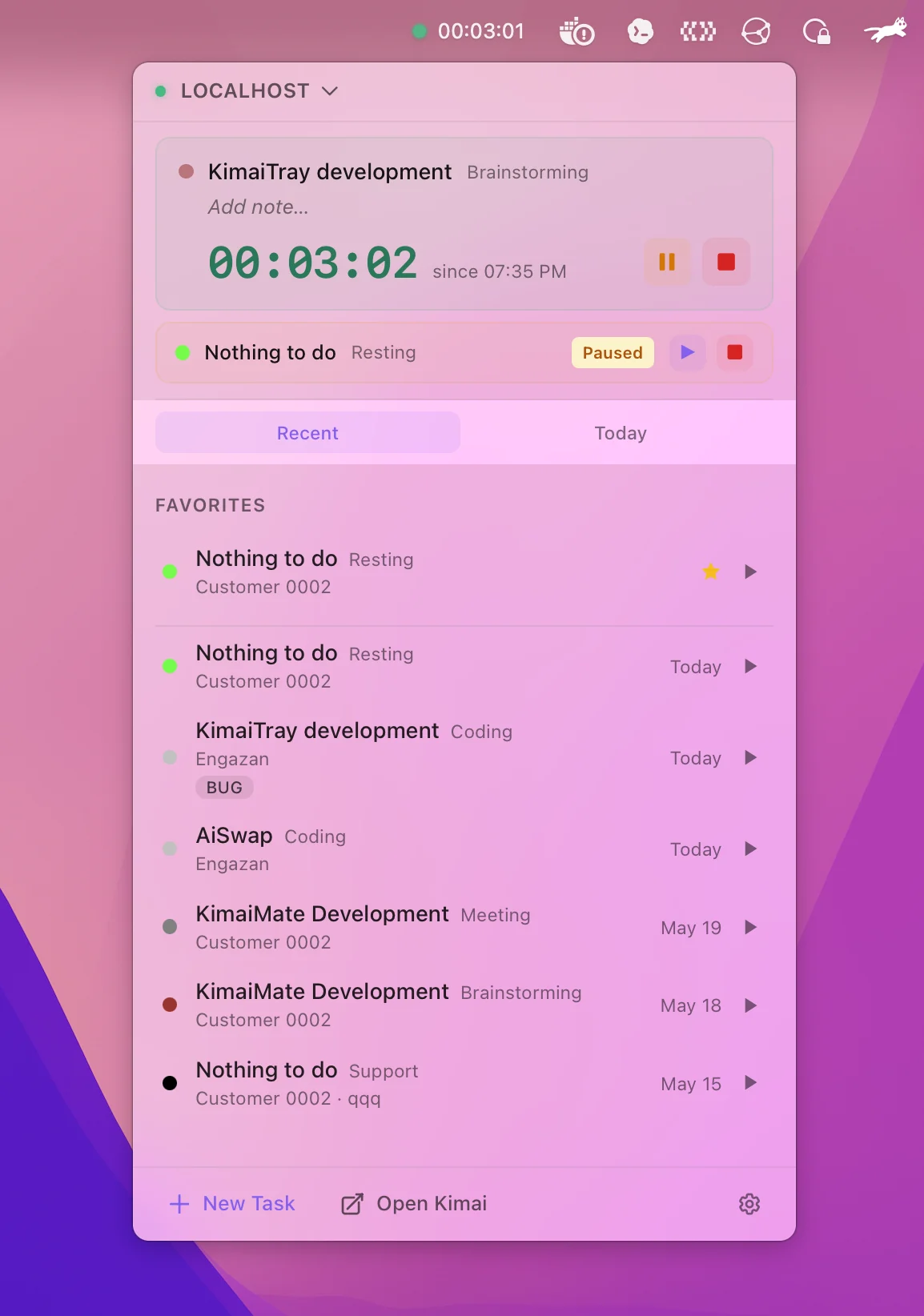
KimaiTray is a system tray companion for Kimai time tracking. Start, stop, pause, resume, and switch timers without leaving your desktop.
The app is built with Tauri, React, and TypeScript. It connects to your Kimai installation through the API and stores your access token on your device.
Key Features
- Control timers from your system tray or menu bar
- Connect multiple Kimai servers
- Quick-start recent tasks
- Detect idle time and choose configurable actions
- Edit tags and descriptions on running timers
- Review today’s time entry history
- Use English, Slovak, Czech, German, or Ukrainian
- Customize themes, accent colors, and compact mode
- Launch automatically when you sign in
Requirements
- A running Kimai installation
- Your Kimai API token
- macOS, Windows, or Linux
Setup
Download the latest release from GitHub, install the app for your operating system, and open it from your system tray or menu bar.
In Kimai, create an API token in your profile under API Access. Then open KimaiTray settings, enter your Kimai URL, paste the token, and save the connection.
Скріншоти