Kimai
Kimai
Custom Reports
Advanced reporting with multi-customer filtering, budget tracking, saved presets and CSV/PDF export.

LeadMetrix
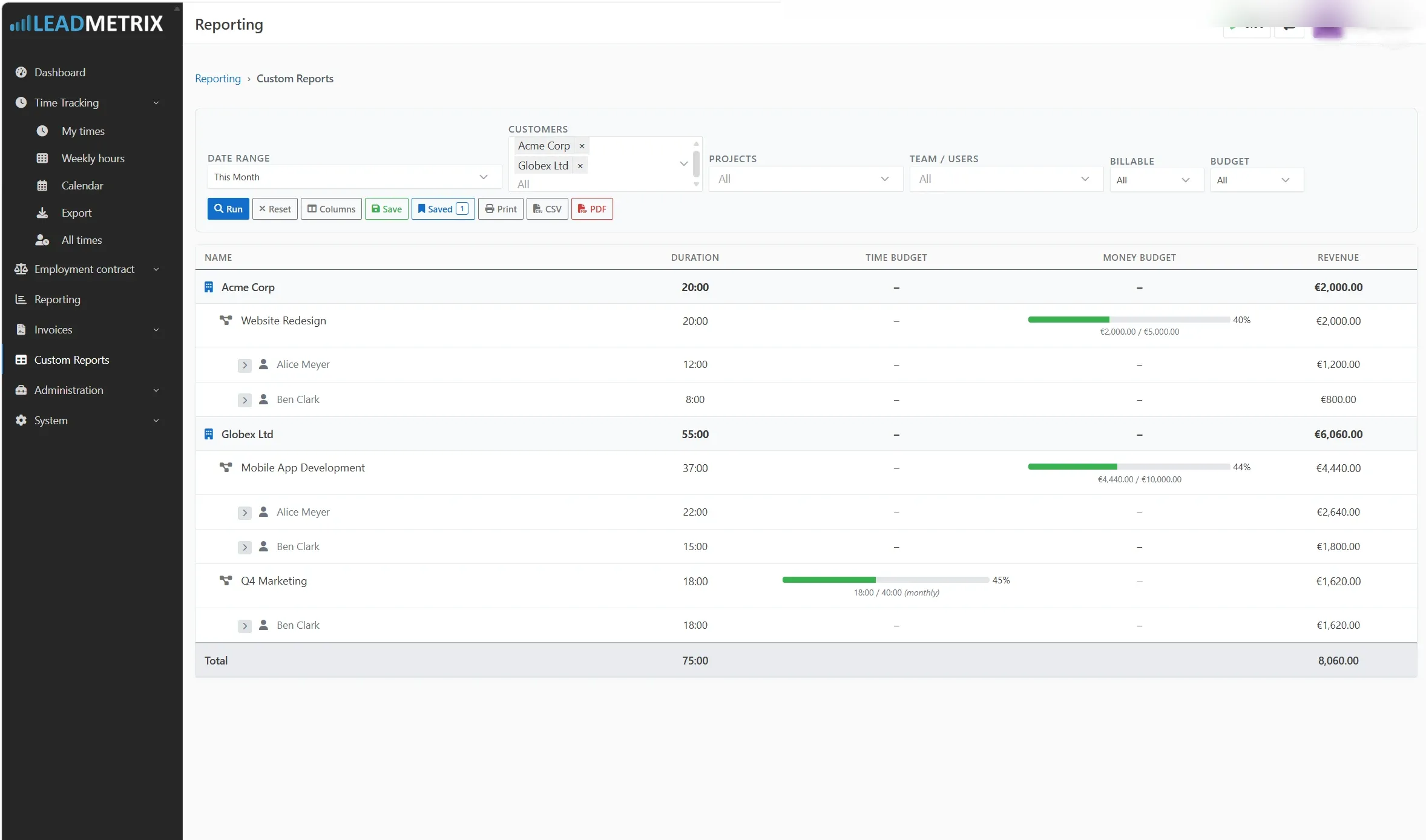
CustomReportsBundle adds flexible, multi-dimensional reporting to Kimai — with multi-customer filtering, budget tracking, saved report presets, and CSV/PDF export.
Features
- Multi-customer, project and user filtering — filter across multiple customers and projects simultaneously in a single report run
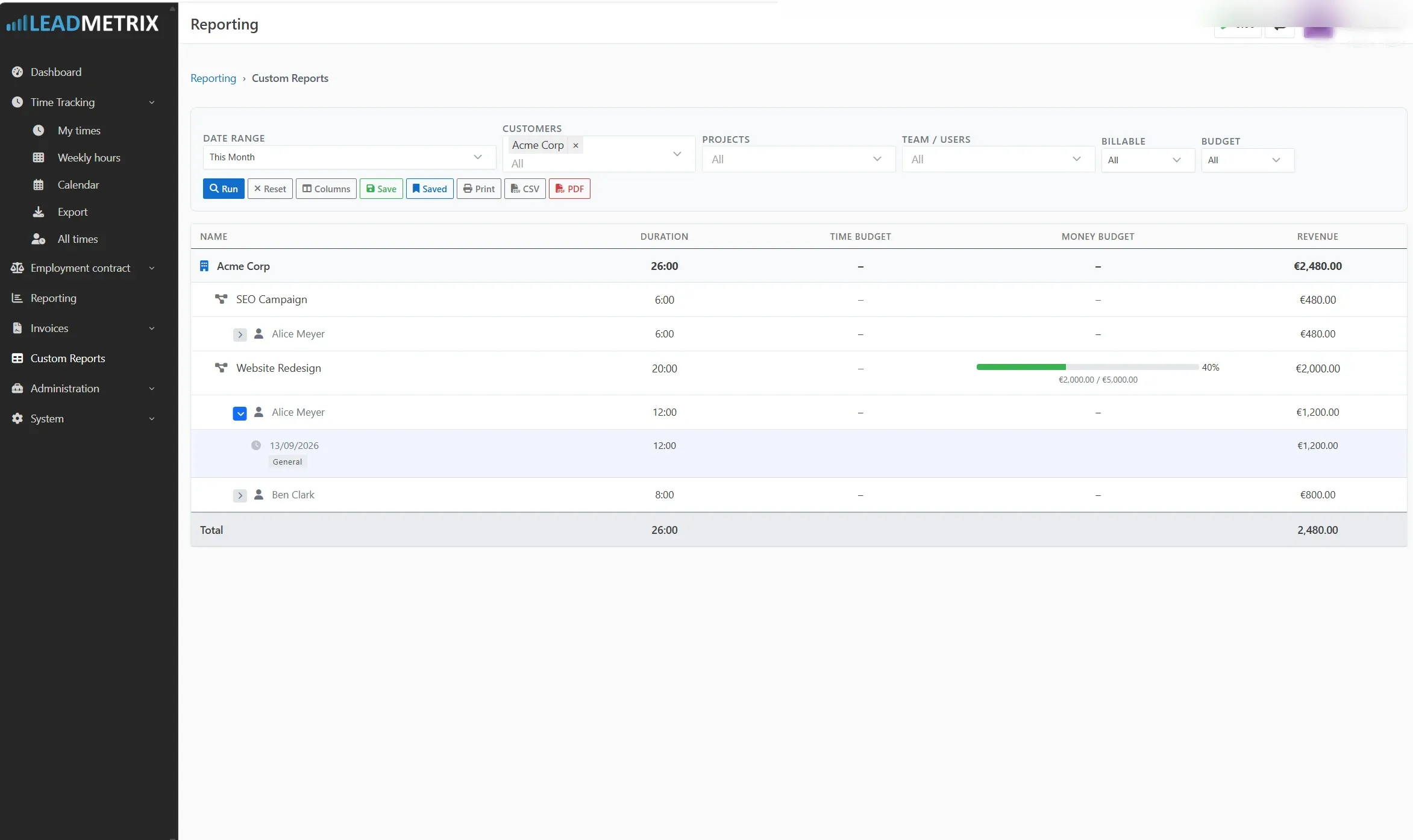
- Hierarchical report view — Customer → Project → User, with expandable rows to drill down into individual timesheet entries
- Budget progress bars — time and money budget consumption visible at the project level, color-coded by usage (green → amber → red)
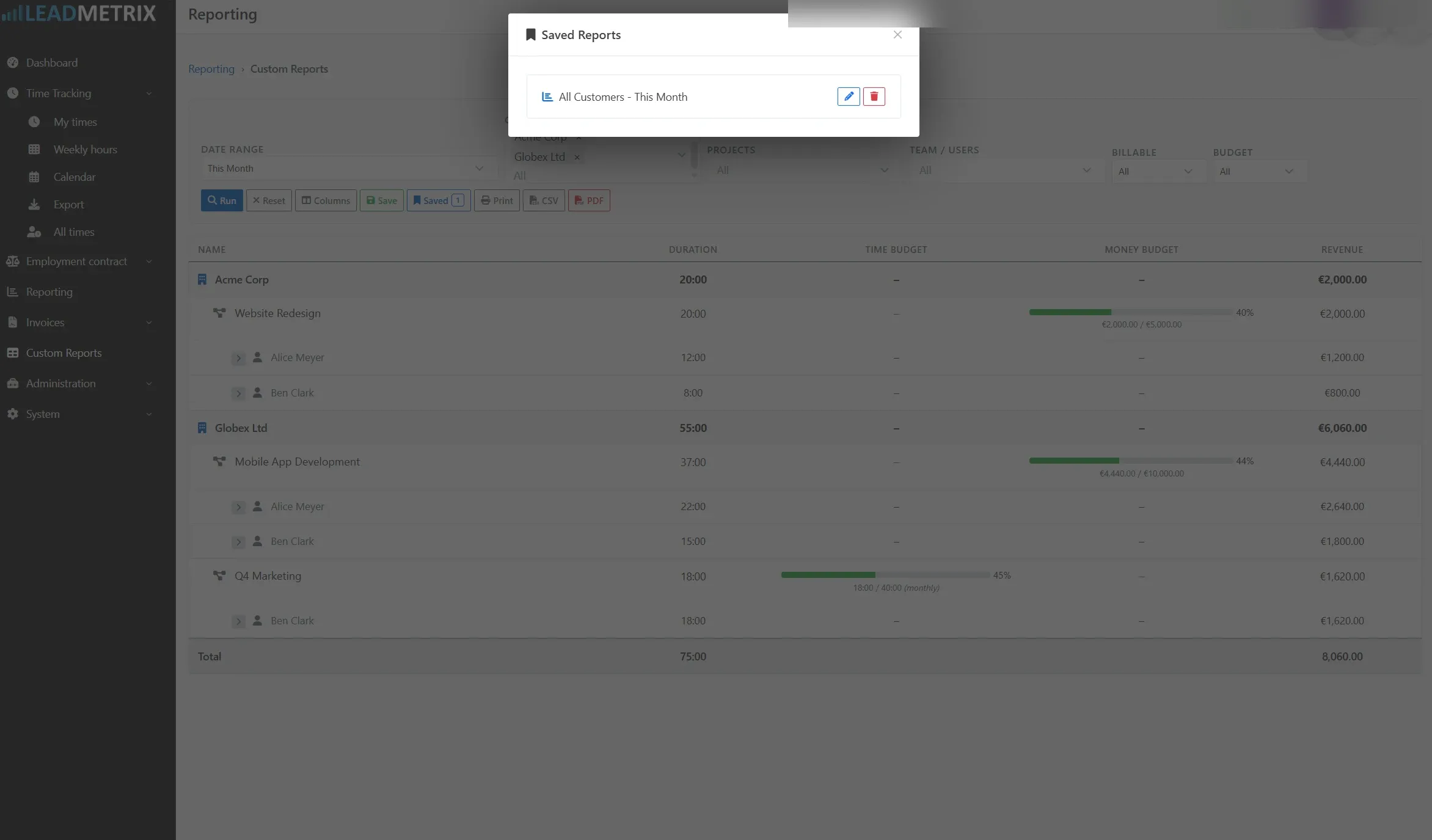
- Saved report presets — save any filter configuration as a named report, share with your team, and reload in one click
- Date range presets — This Week, Last Week, This Month, Last Month, or custom range
- Toggleable columns — Duration, Billable Hours, Time Budget, Money Budget, Revenue, Costs, Profit, Date, Description, Activity
- CSV and PDF export — export exactly what you see, respecting column visibility
- Access control — respects Kimai’s existing permission system; non-admin users see only their own data and team-accessible projects
Installatie
Bestanden kopiëren
Extract the ZIP file and upload the included directory and all files to your Kimai installation to the new directory:
var/plugins/CustomReportsBundle/The file structure needs to look like this afterwards:
var/plugins/
├── CustomReportsBundle
│   ├── CustomReportsBundle.php
|   └ ... more files and directories follow here ...
Cache wissen
After uploading the files, Kimai needs to know about the new plugin. It will be found once the cache was re-built. Call these commands from the Kimai directory:
How to reload Kimai cache
bin/console kimai:reload --env=prod
It is not advised, but in case the above command fails you could try:
rm -r var/cache/prod/*
You might have to set file permissions afterwards:
Adjust file permission
You have to allow PHP (your webserver process) to write to var/ and it subdirectories.
Here is an example for Debian/Ubuntu, to be executed inside the Kimai directory:
chown -R :www-data .
chmod -R g+r .
chmod -R g+rw var/
You might not need these commands in a shared-hosting environment.
And you probably need to prefix them with sudo and/or the group might be called different from www-data.
Database aanmaken
Run the following command:
bin/console kimai:bundle:custom-reports:installThis will create the required database tables and update them to the latest version.
If you see an error like There are no commands defined in the "kimai:bundle:XYZ" namespace.,
then either the directory has a wrong name (must be var/plugins/CustomReportsBundle/) or you forgot to clear the cache (look above).
Updates
Updating the plugin works exactly like the installation:
- Delete the directory
var/plugins/CustomReportsBundle/ -
Execute all installation steps again:
- Bestanden kopiëren
- Cache wissen
- Update database with
bin/console kimai:bundle:custom-reports:install
Updates
Version 1.0.0
Initial release.
- Multi-customer, project, and user filtering
- Hierarchical Customer → Project → User report view
- Budget progress bars (time and money)
- Saved report presets with sharing
- Date range presets
- Toggleable columns
- CSV and PDF export
- Doctrine migration via install command
Schermopnames