Kimai
Kimai
Flux de treball d'aprovació per a fulls de temps
Aquest paquet està disponible per realitzar una aprovació setmanal dels fulls de temps.

Katja Glass Consulting
A plugin for Kimai to approve timesheets of users on a weekly basis.
Features
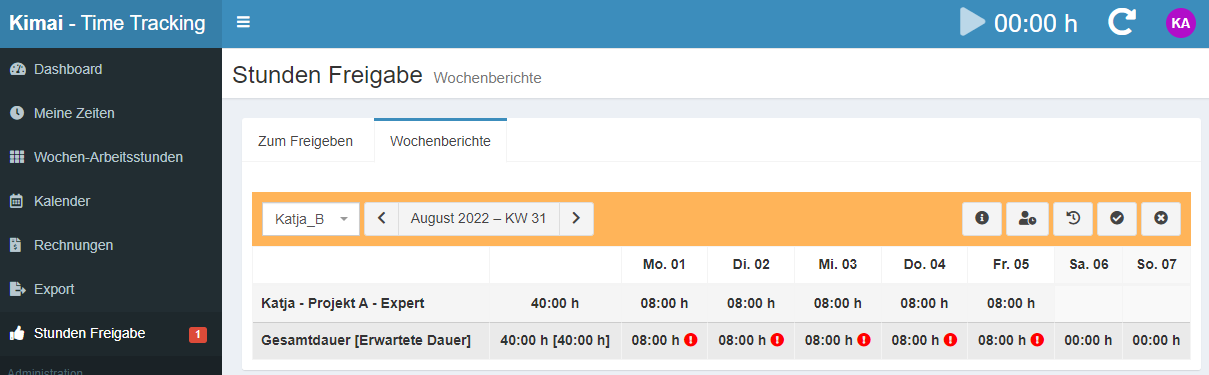
- Users can send a week for approval (in sequential order)
- User lockdown -> a submitted/approved week can no longer be edited (apart from admins) - there is one lockdown date per user (LockdownPerUserBundle)
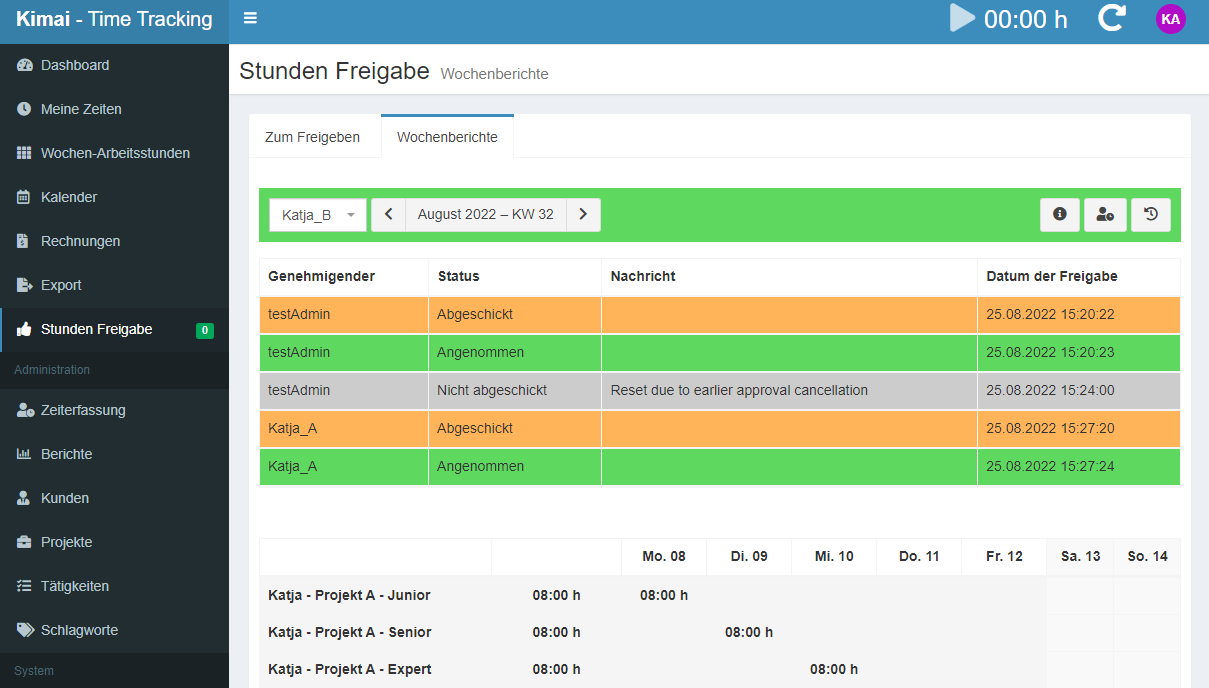
- Teamlead/Admin can approve or deny the week
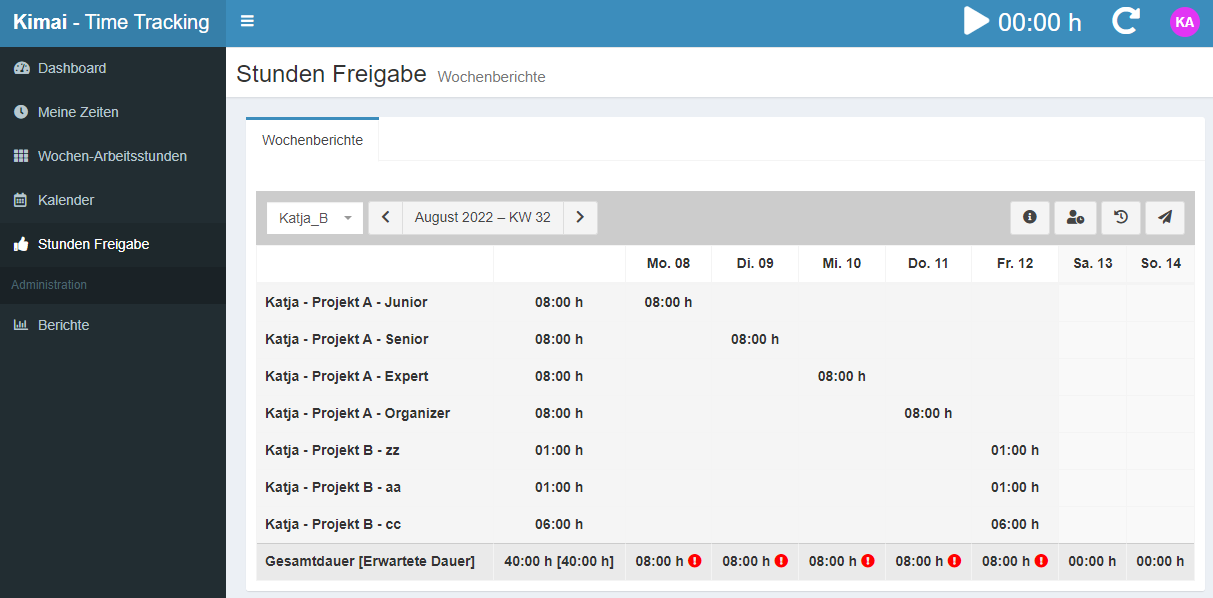
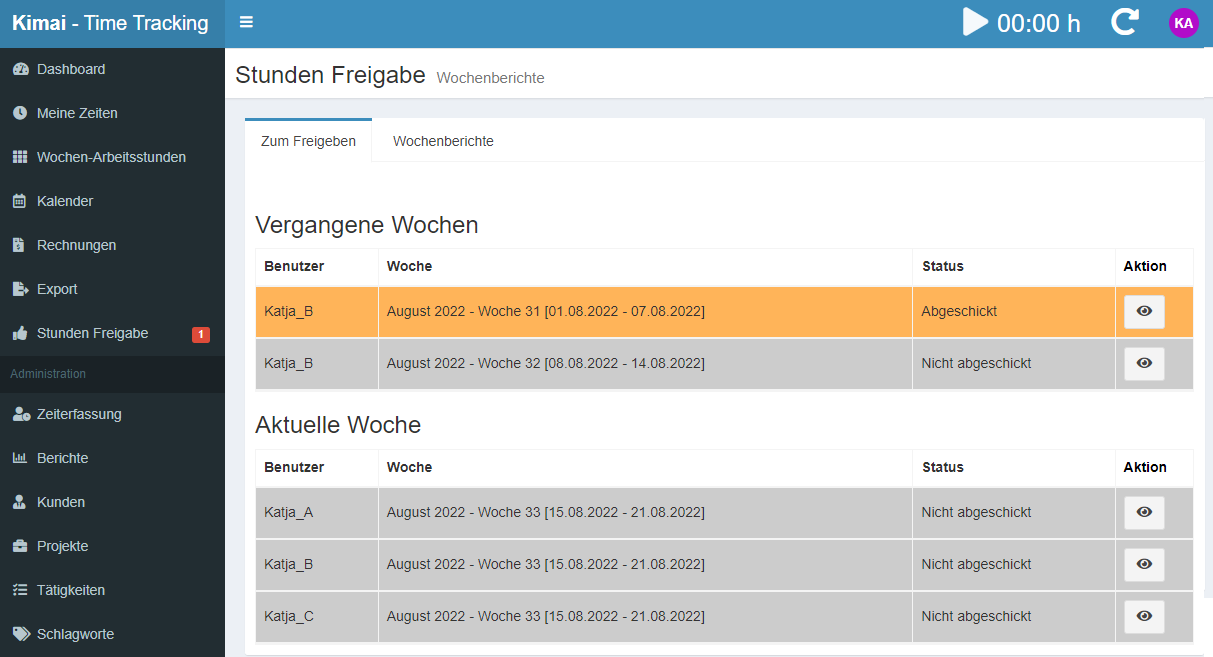
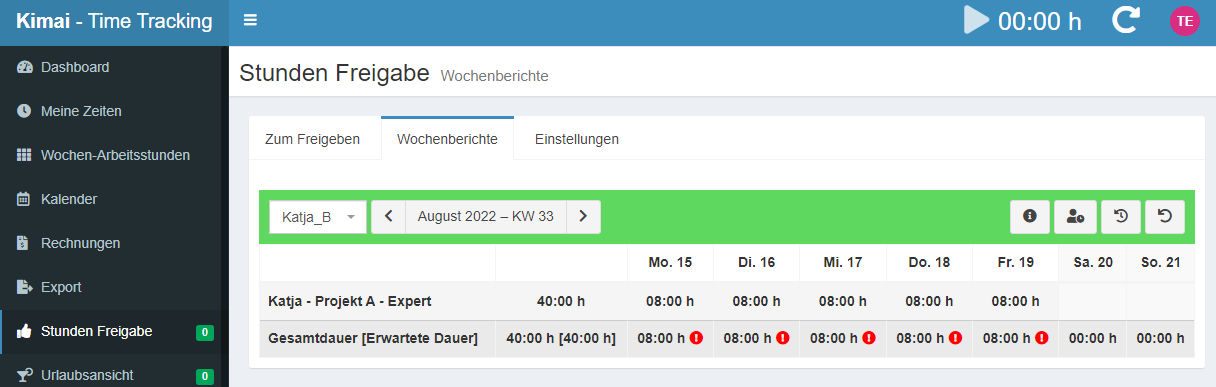
- Overview of approvals, missing approvals and the status
- Mailing options to recall approval tasks if outstanding
- Various options to track overtime
- Option to check for breaks according German Law
Requirements
- Requires Kimai version: 1.16.10+ or 2.5.0+
- Lockdown per user settings (recommended)
- Custom-fields plugin (only required when using Kimai 1.x)
Compatibilitat
La taula següent conté una comparació entre el connector i la versió mínima de Kimai requerida.
| Versió del paquet | Versió mínima de Kimai |
|---|---|
| 2.2.1 | 2.22.0 |
| 2.0.1 | 2.8.0 |
| 2.0.0 | 2.5.0 |
| 1.0.0 | 1.30.5 |
Instal·lació
Copiar fitxers
Extract the ZIP file and upload the included directory and all files to your Kimai installation to the new directory:
var/plugins/ApprovalBundle/Or you can clone it directly to the var/plugins/ directory of your Kimai installation:
cd kimai/var/plugins/
git clone https://github.com/KatjaGlassConsulting/ApprovalBundle ApprovalBundle
The file structure needs to look like this afterwards:
var/plugins/
├── ApprovalBundle
│   ├── ApprovalBundle.php
|   └ ... more files and directories follow here ...
Netejar la memòria cau
After uploading the files, Kimai needs to know about the new plugin. It will be found once the cache was re-built. Call these commands from the Kimai directory:
How to reload Kimai cache
bin/console kimai:reload --env=prod
It is not advised, but in case the above command fails you could try:
rm -r var/cache/prod/*
You might have to set file permissions afterwards:
Adjust file permission
You have to allow PHP (your webserver process) to write to var/ and it subdirectories.
Here is an example for Debian/Ubuntu, to be executed inside the Kimai directory:
chown -R :www-data .
chmod -R g+r .
chmod -R g+rw var/
You might not need these commands in a shared-hosting environment.
And you probably need to prefix them with sudo and/or the group might be called different from www-data.
Crear base de dades
Run the following command:
bin/console kimai:bundle:approval:installThis will create the required database tables and update them to the latest version.
If you see an error like There are no commands defined in the "kimai:bundle:XYZ" namespace.,
then either the directory has a wrong name (must be var/plugins/ApprovalBundle/) or you forgot to clear the cache (look above).
Actualitzacions
Updating the plugin works exactly like the installation:
- Delete the directory
var/plugins/ApprovalBundle/ -
Execute all installation steps again:
- Copiar fitxers
- Netejar la memòria cau
- Update database with
bin/console kimai:bundle:approval:install
Preses de pantalla