Kimai
Ticket Title Linker

PCSG - Computer & Internet Service OHG
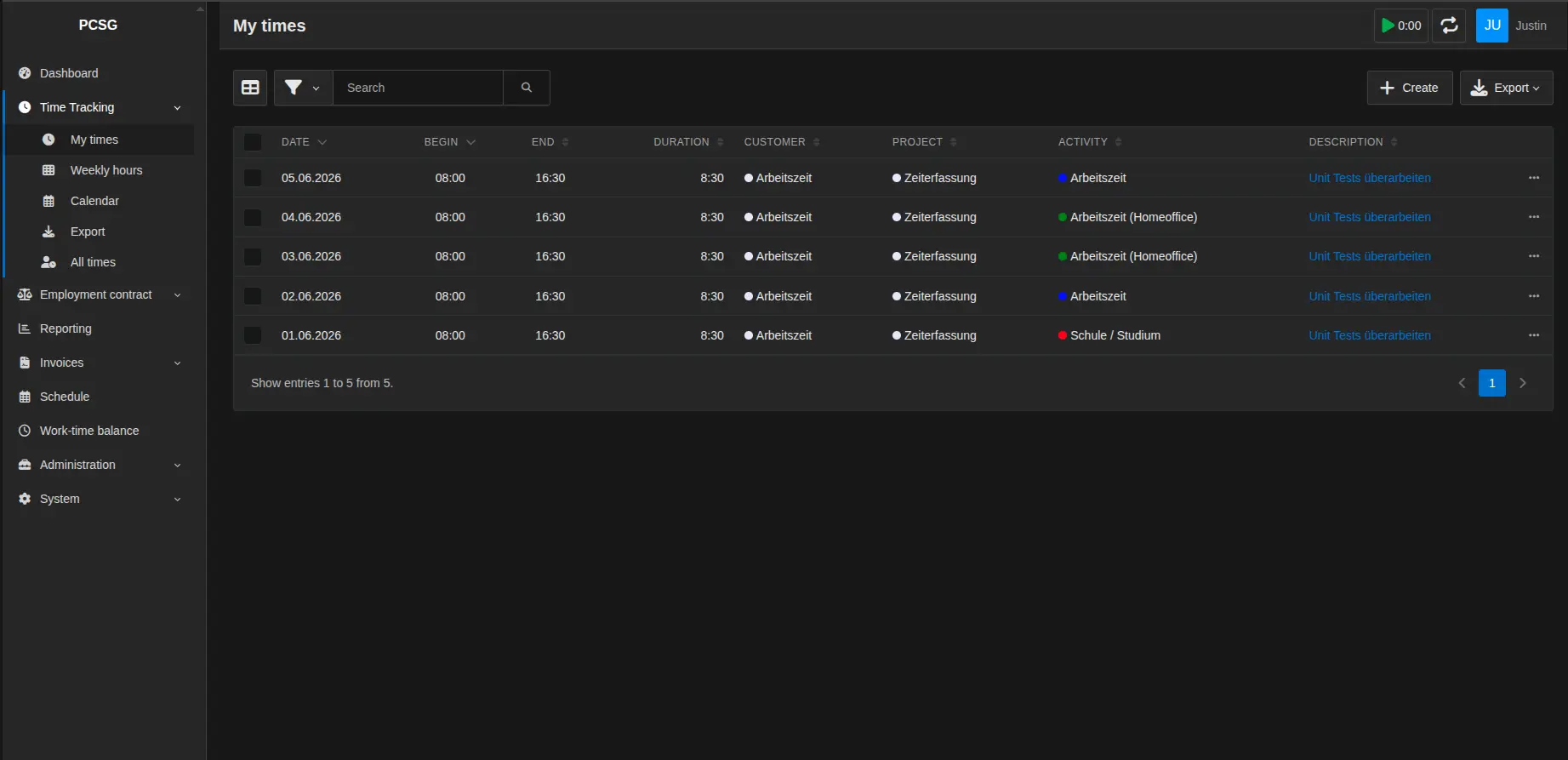
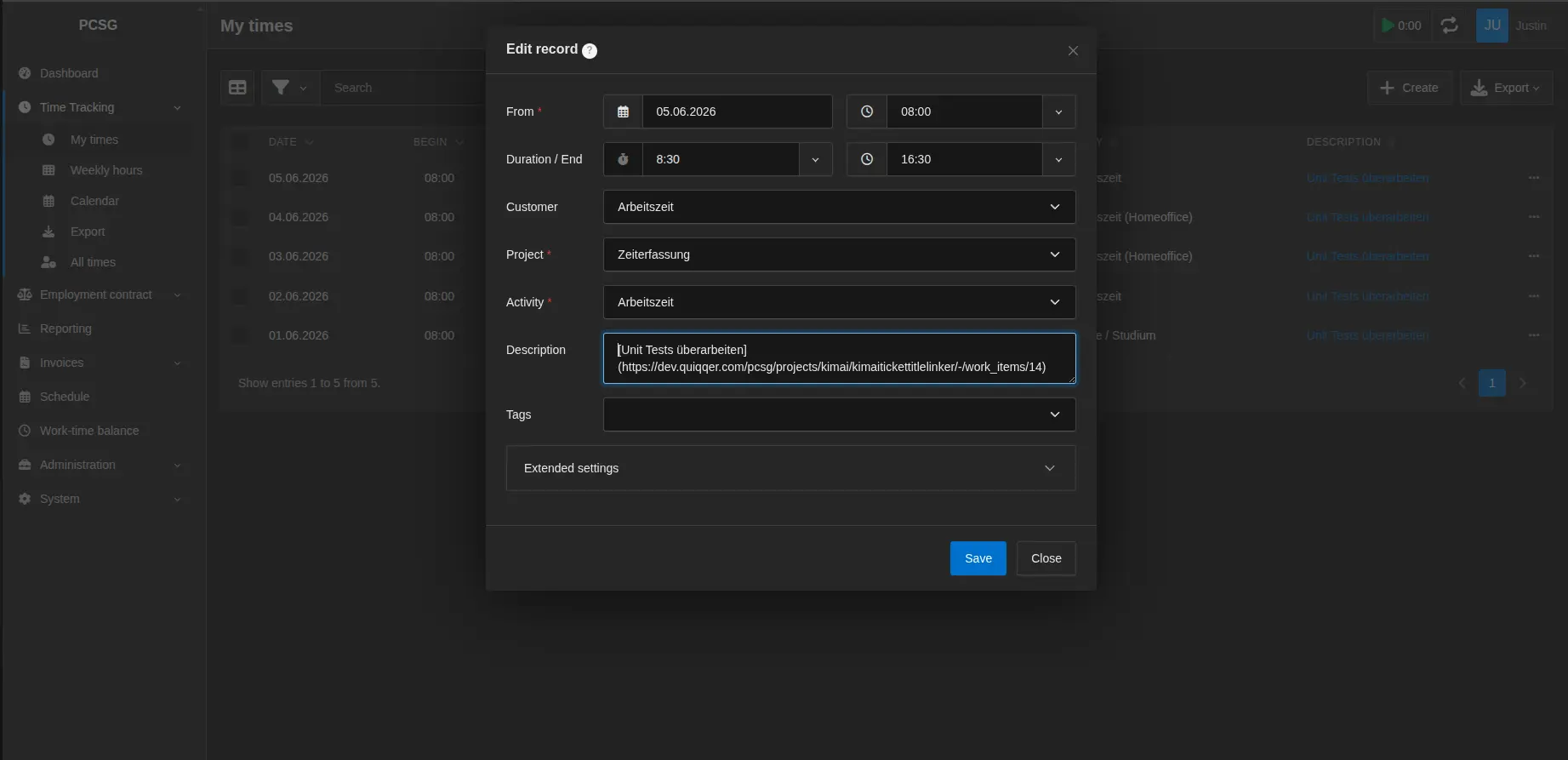
Automatically detect GitLab ticket references in Kimai timesheet descriptions and replace them with clickable links including the corresponding ticket title.
Features
- Detects GitLab ticket references in timesheet descriptions
- Supports references such as
group/project/Ticket#1 - Supports GitLab URLs in timesheet entries
- Replaces references with clickable links including the GitLab ticket title
- Helps teams keep GitLab ticket context visible directly in Kimai
- Provides a command to retroactively parse existing timesheet entries
- German and English translations
Requirements
- Kimai 2.3.7 or higher
- Access to a GitLab instance
- GitLab personal access token
Configuration
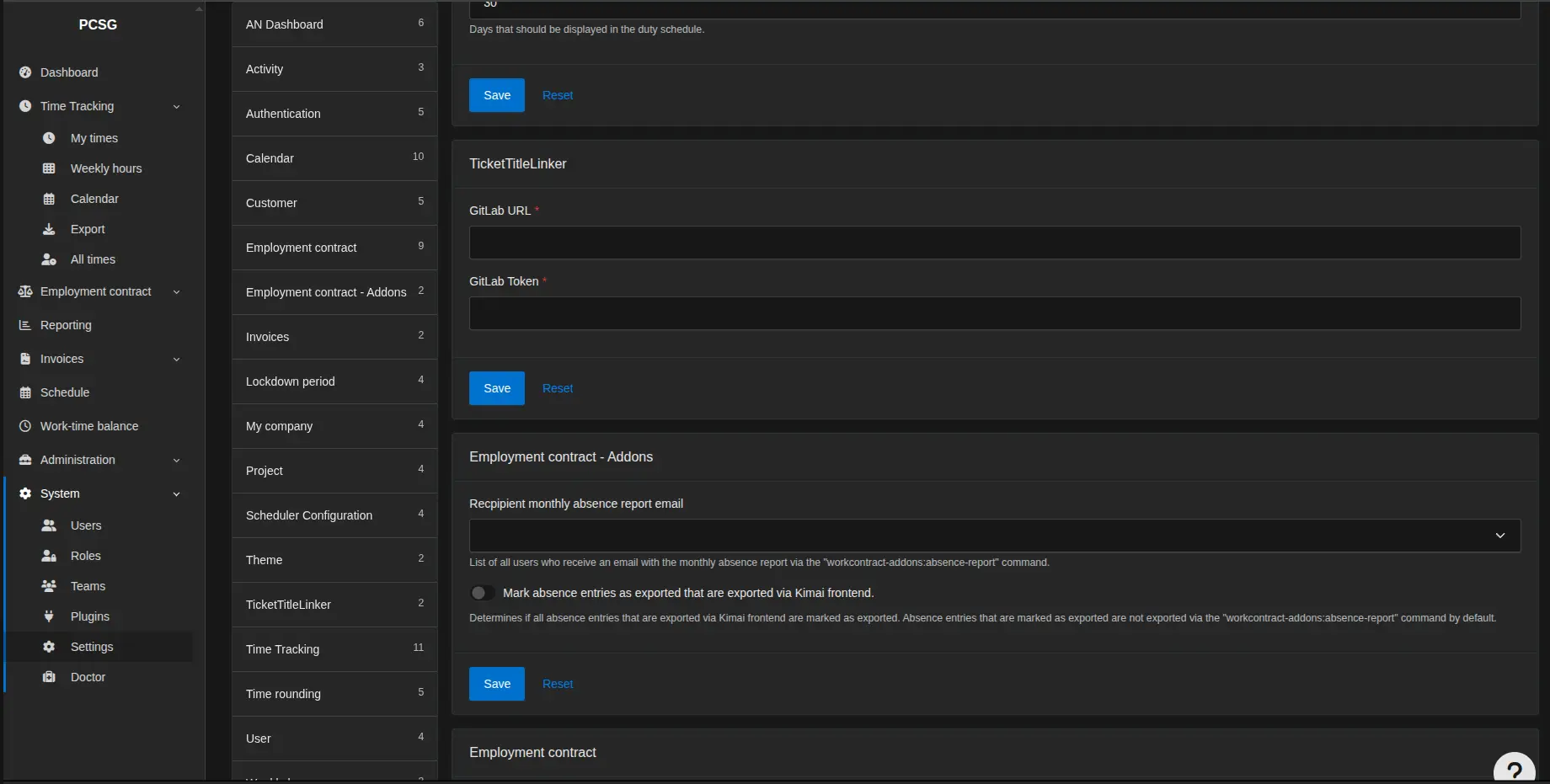
You can configure the GitLab URL and API token in Kimai:
- Go to System → Settings → Ticket Title Linker
- Enter the following values:
- GitLab URL
- GitLab API Token
Command line
Existing timesheet entries can be parsed afterwards with:
bin/console kimai:timesheet:parse-ticket-titles
Support
If you require support for the usage or setup of this plugin or find any bugs please contact support@pcsg.de!
Instalação
Copiar ficheiros
Extract the ZIP file and upload the included directory and all files to your Kimai installation to the new directory:
var/plugins/TicketTitleLinkerBundle/The file structure needs to look like this afterwards:
var/plugins/
├── TicketTitleLinkerBundle
│   ├── TicketTitleLinkerBundle.php
|   └ ... more files and directories follow here ...
Limpar o cache
After uploading the files, Kimai needs to know about the new plugin. It will be found once the cache was re-built. Call these commands from the Kimai directory:
How to reload Kimai cache
bin/console kimai:reload --env=prod
It is not advised, but in case the above command fails you could try:
rm -r var/cache/prod/*
You might have to set file permissions afterwards:
Adjust file permission
You have to allow PHP (your webserver process) to write to var/ and it subdirectories.
Here is an example for Debian/Ubuntu, to be executed inside the Kimai directory:
chown -R :www-data .
chmod -R g+r .
chmod -R g+rw var/
You might not need these commands in a shared-hosting environment.
And you probably need to prefix them with sudo and/or the group might be called different from www-data.
Atualizações
Updating the plugin works exactly like the installation:
- Delete the directory
var/plugins/TicketTitleLinkerBundle/ -
Execute all installation steps again:
- Copiar ficheiros
- Limpar o cache
Captura do ecrã