 Kimai
Kimai
KimTrack
Klient desktopowy na macOS, Windows i Linux do śledzenia czasu z poziomu paska menu.

Playmoweb
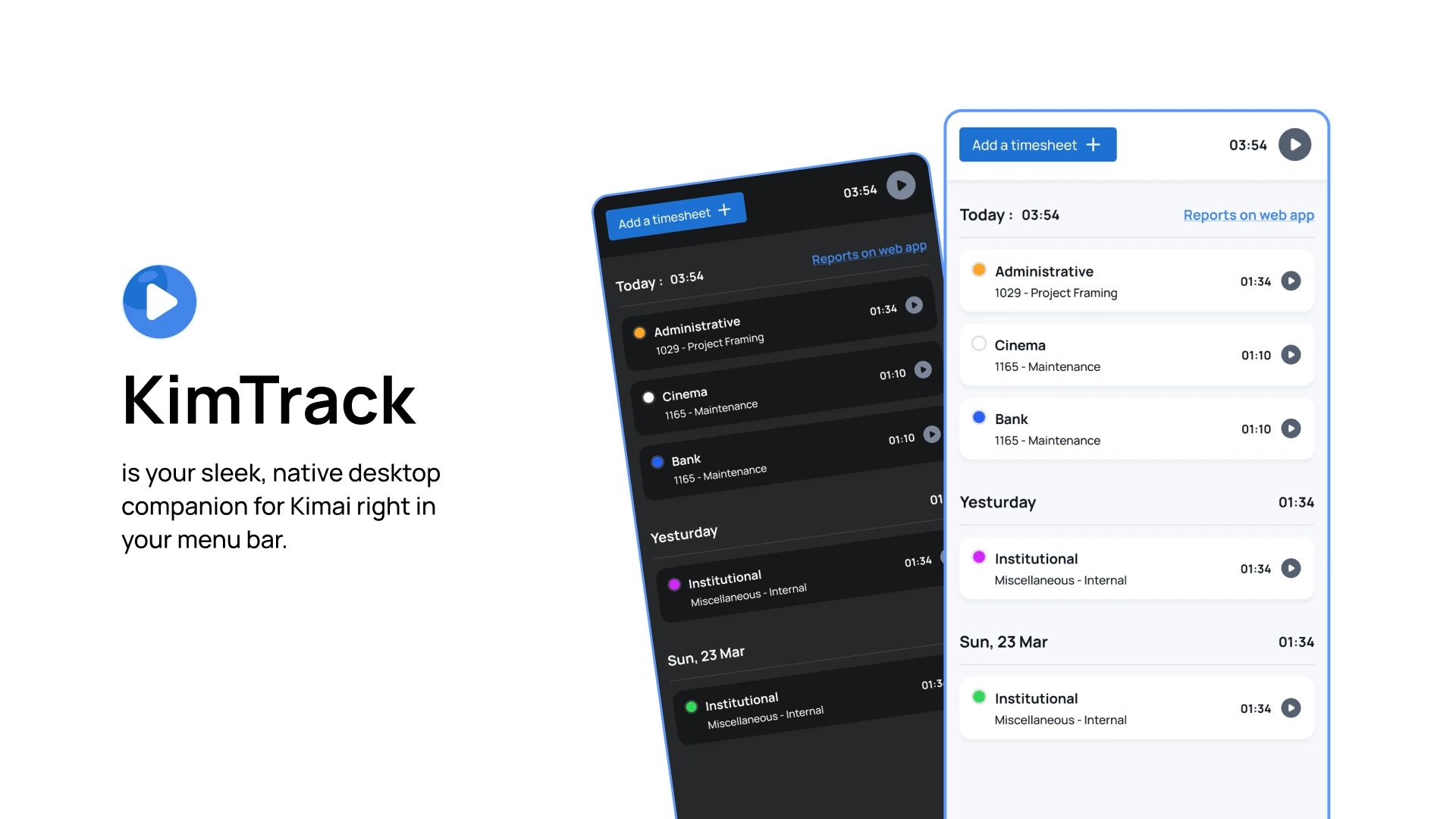
KimTrack is your sleek, native desktop companion for Kimai—right in your menu bar.
Enjoy one-click start/stop and instant project switching, backed by intelligent idle detection and fully customizable preferences to make every second count.
Key Features
-
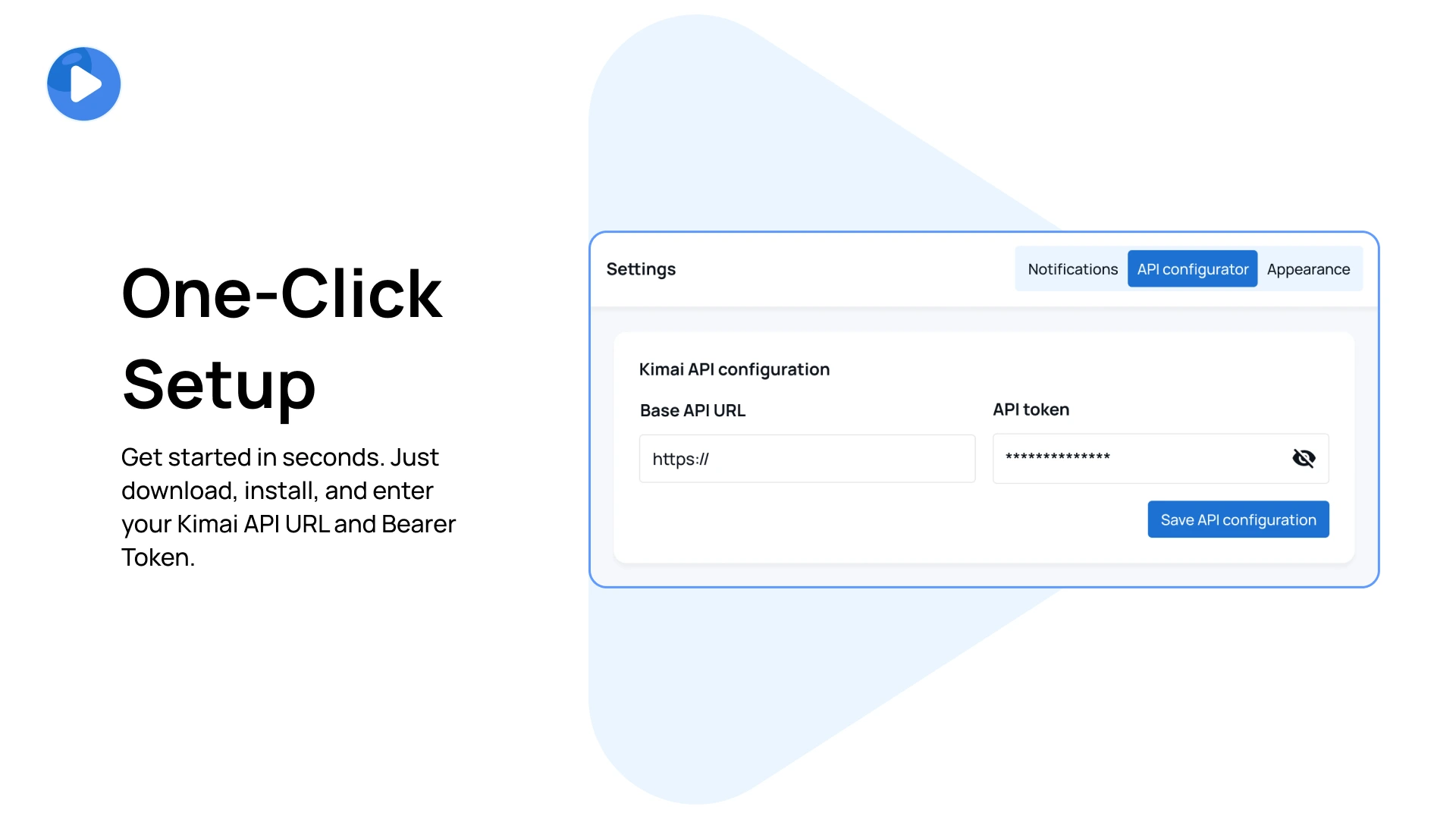
One-Click Setup
Get started in seconds. Just download, install, and enter your Kimai API URL and API Token. -
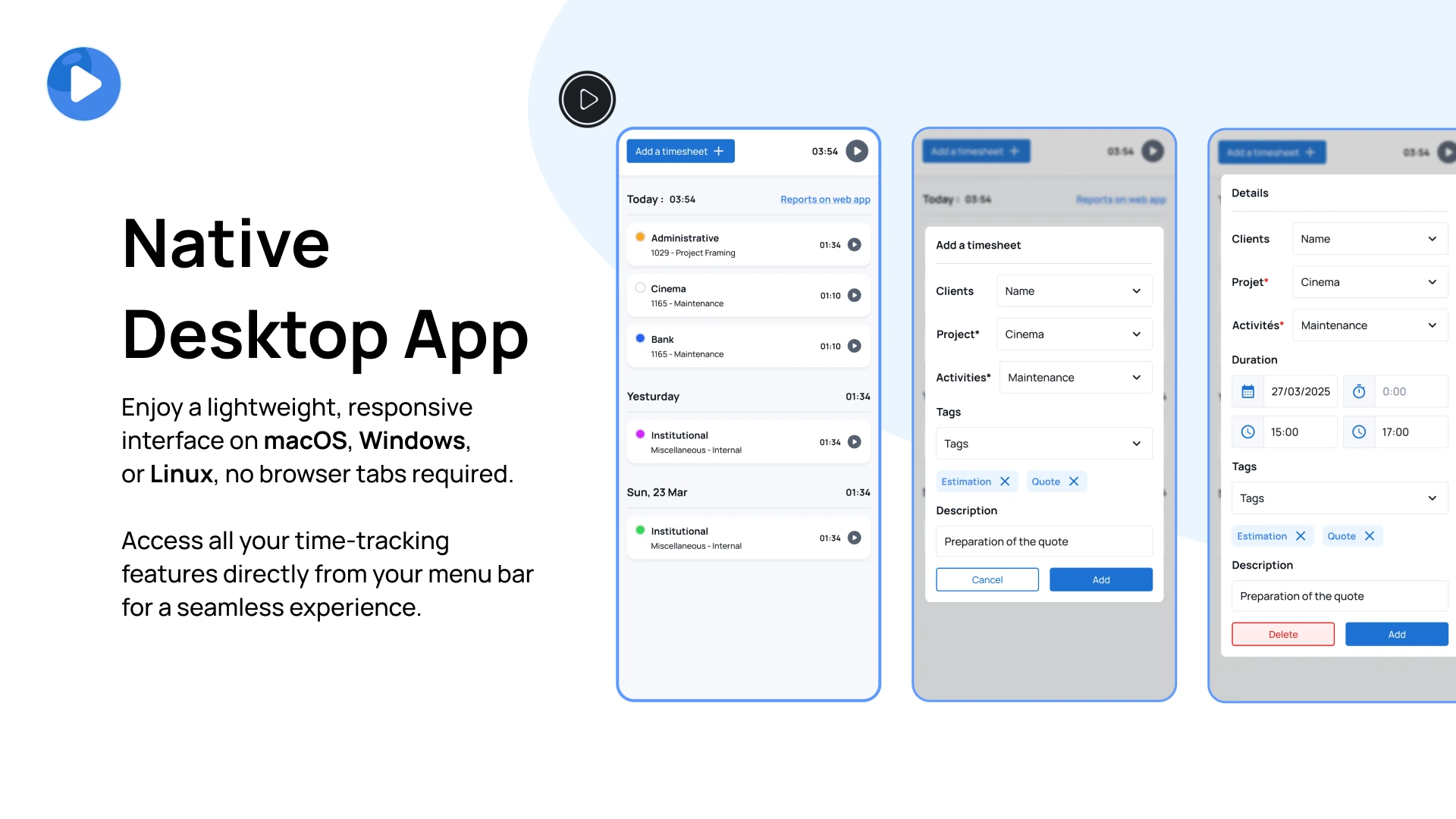
Native Desktop App
Enjoy a lightweight, responsive interface on macOS, Windows, or Linux—no browser tabs required. Access all your time-tracking features directly from your menu bar for a seamless experience. -
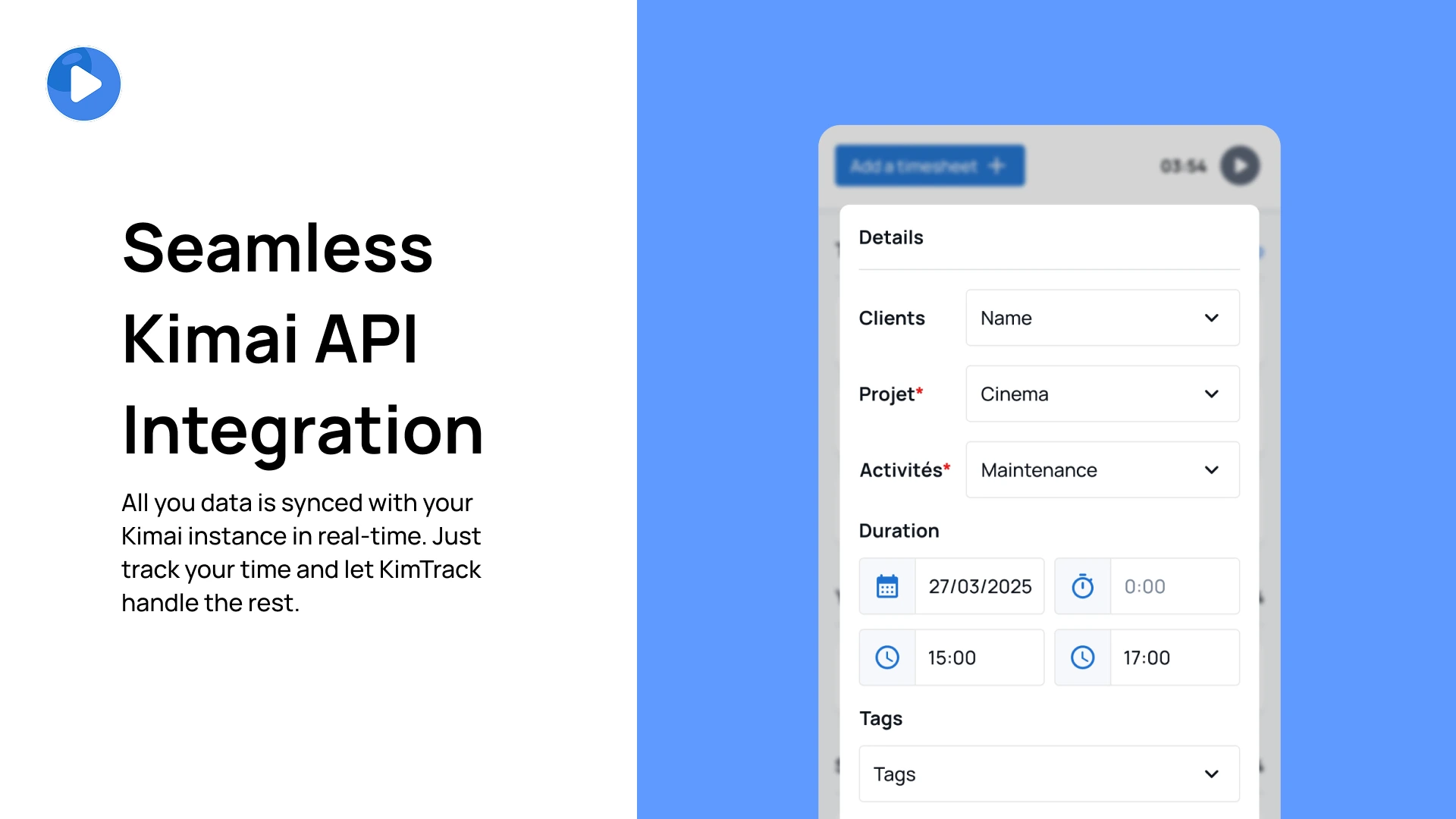
Seamless Kimai Sync All you data is synced with your Kimai instance in real-time. Just track your time and let KimTrack handle the rest.
-
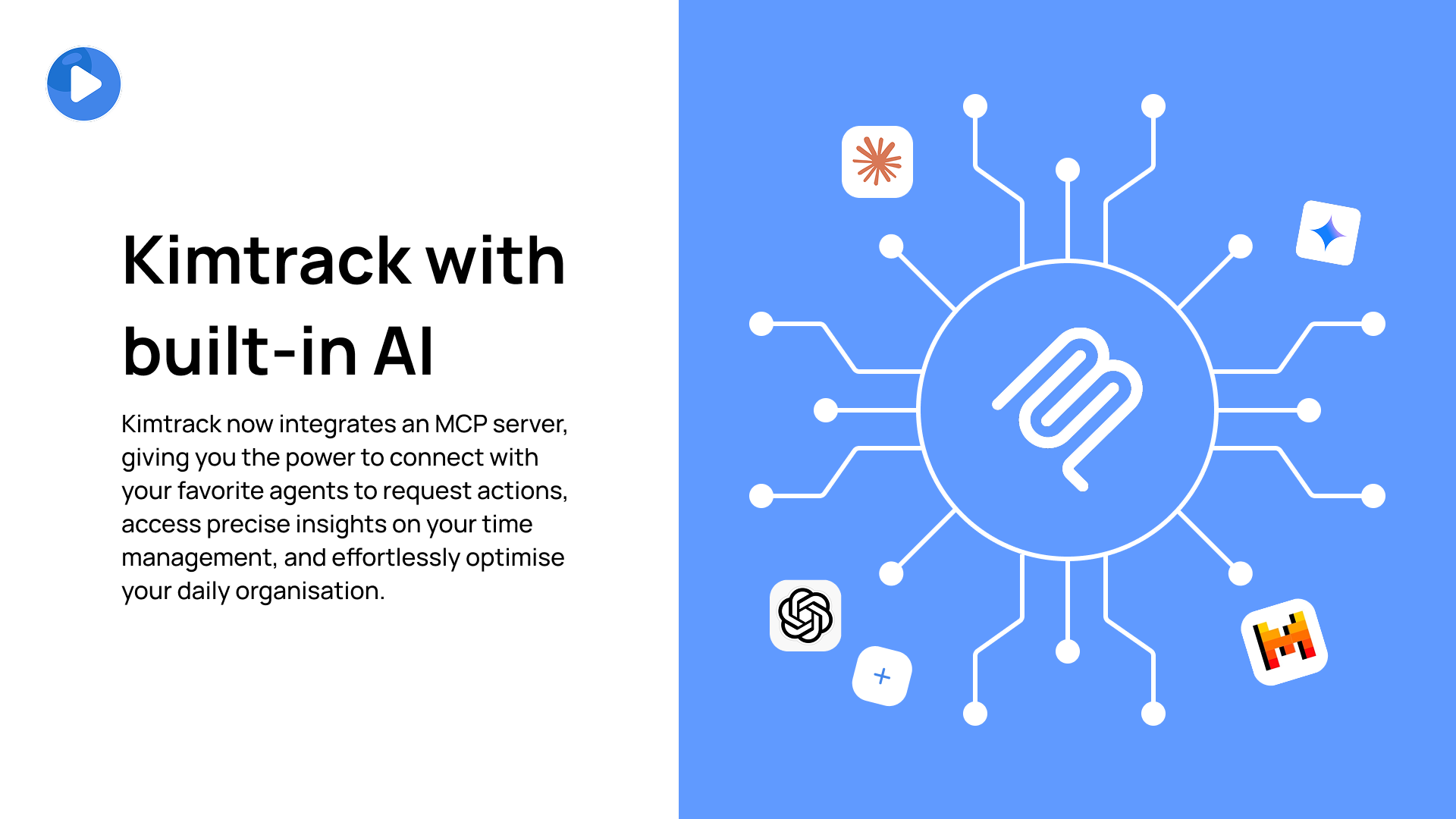
Integrated MCP Server Equipped with a built-in Model Context Protocol (MCP) server, allowing AI agents direct access to your Kimai data. Streamline your workflows by enabling intelligent assistants to interact with your time tracking seamlessly.
-
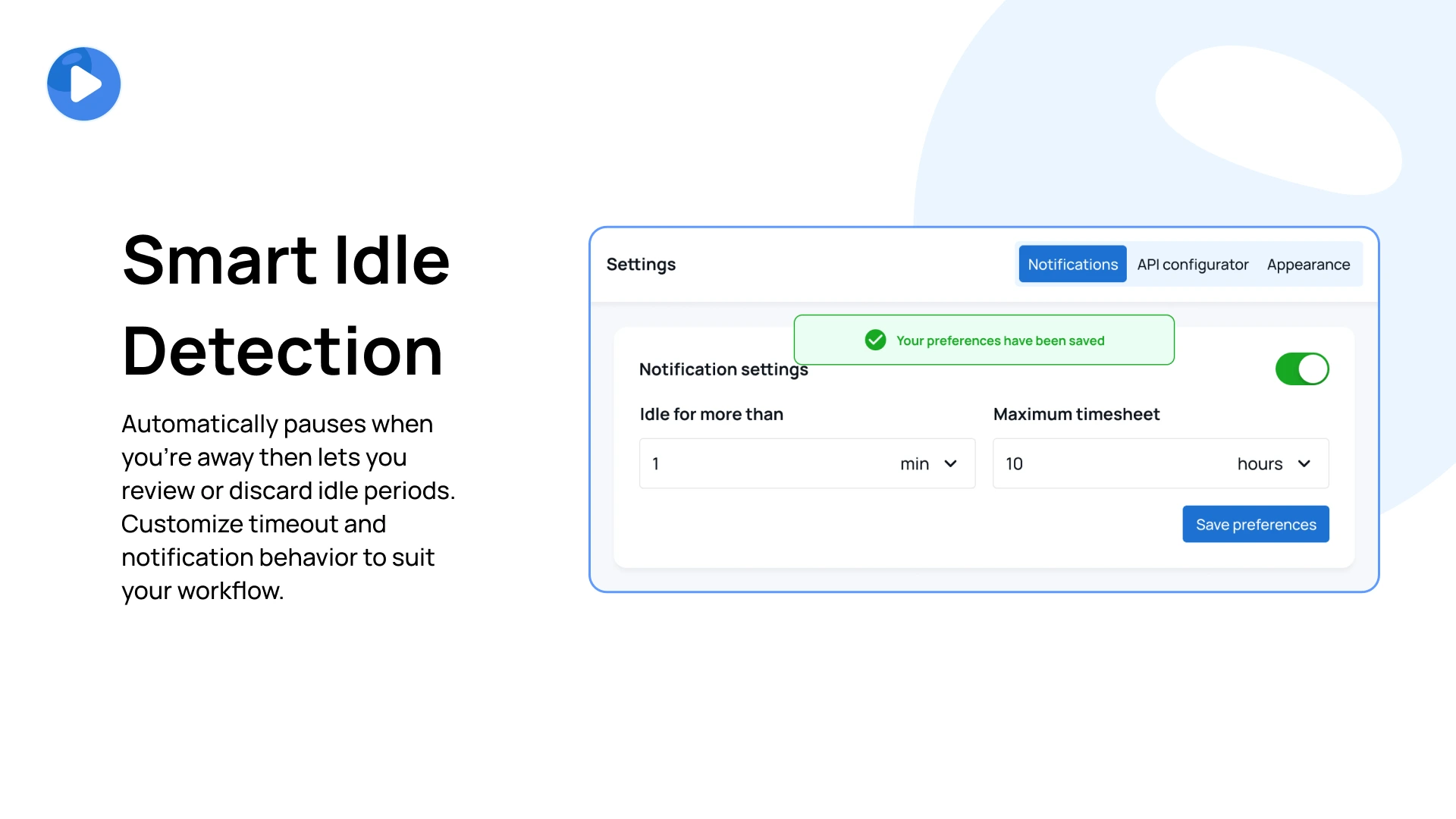
Smart Idle Detection
Automatically pauses when you’re away—then lets you review or discard idle periods. Customize timeout and notification behavior to suit your workflow. -
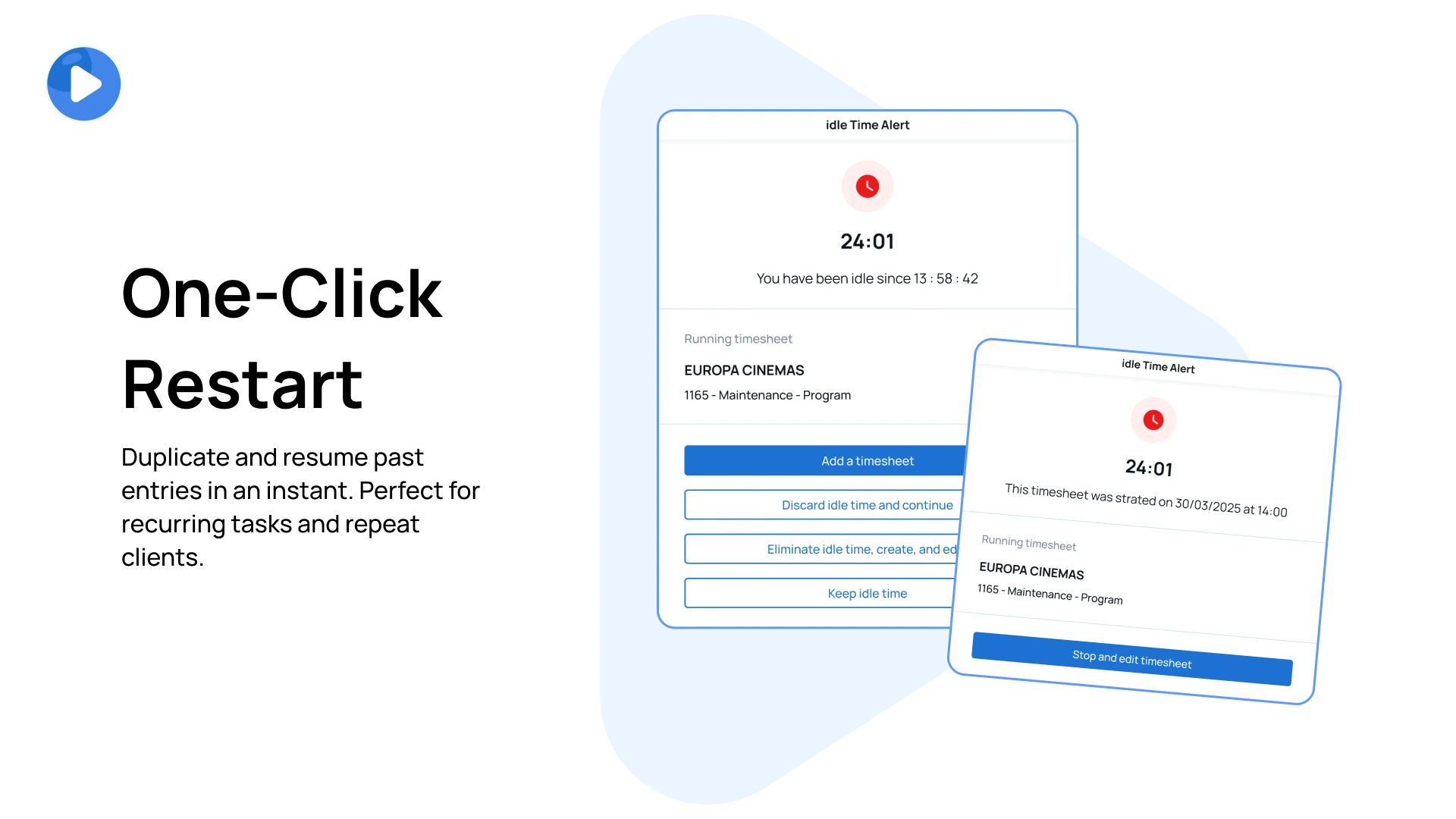
One-Click Restart
Duplicate and resume past entries in an instant. Perfect for recurring tasks and repeat clients. -
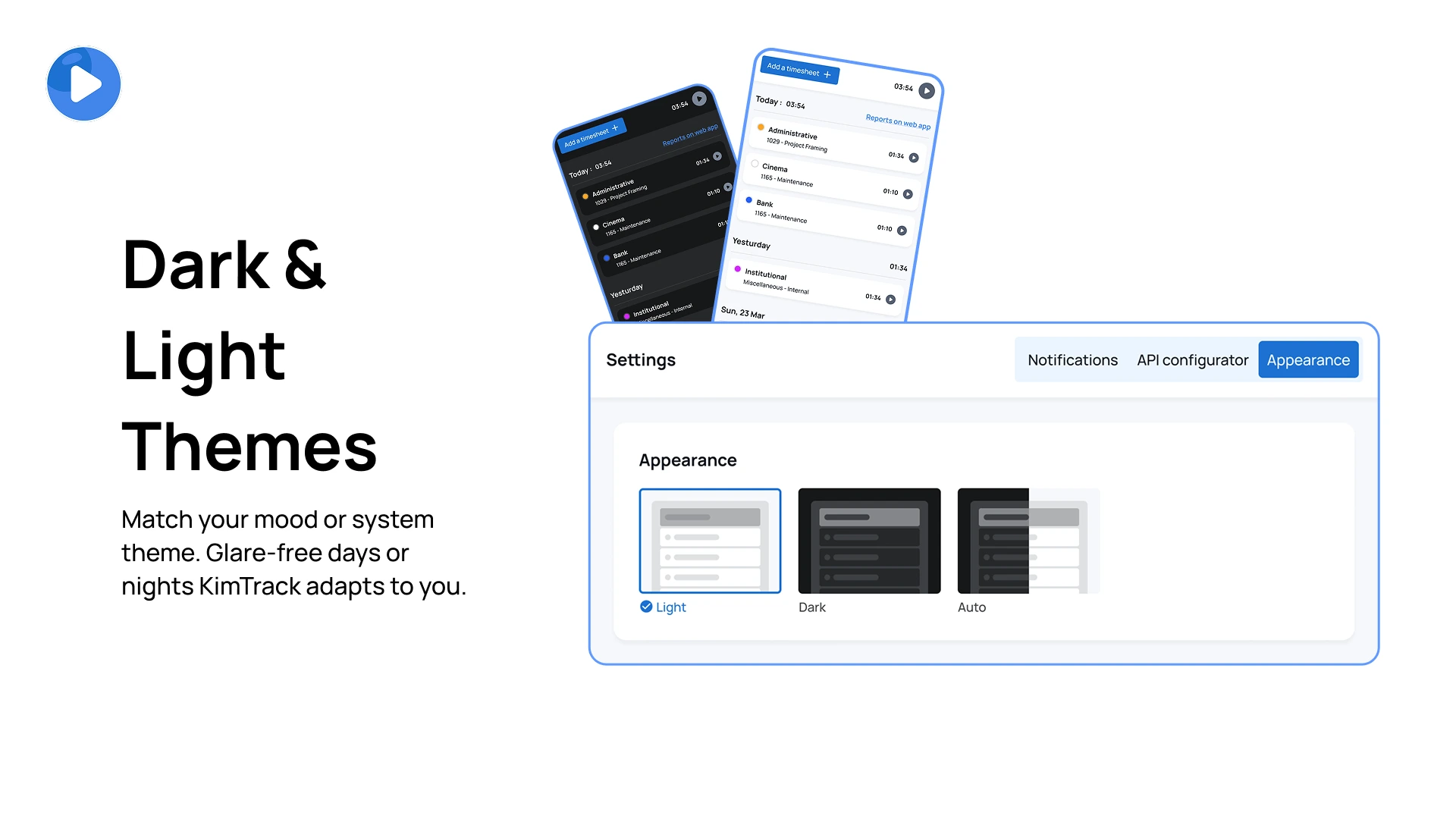
Dark & Light Themes
Match your mood or system theme. Glare-free days or nights—KimTrack adapts to you. -
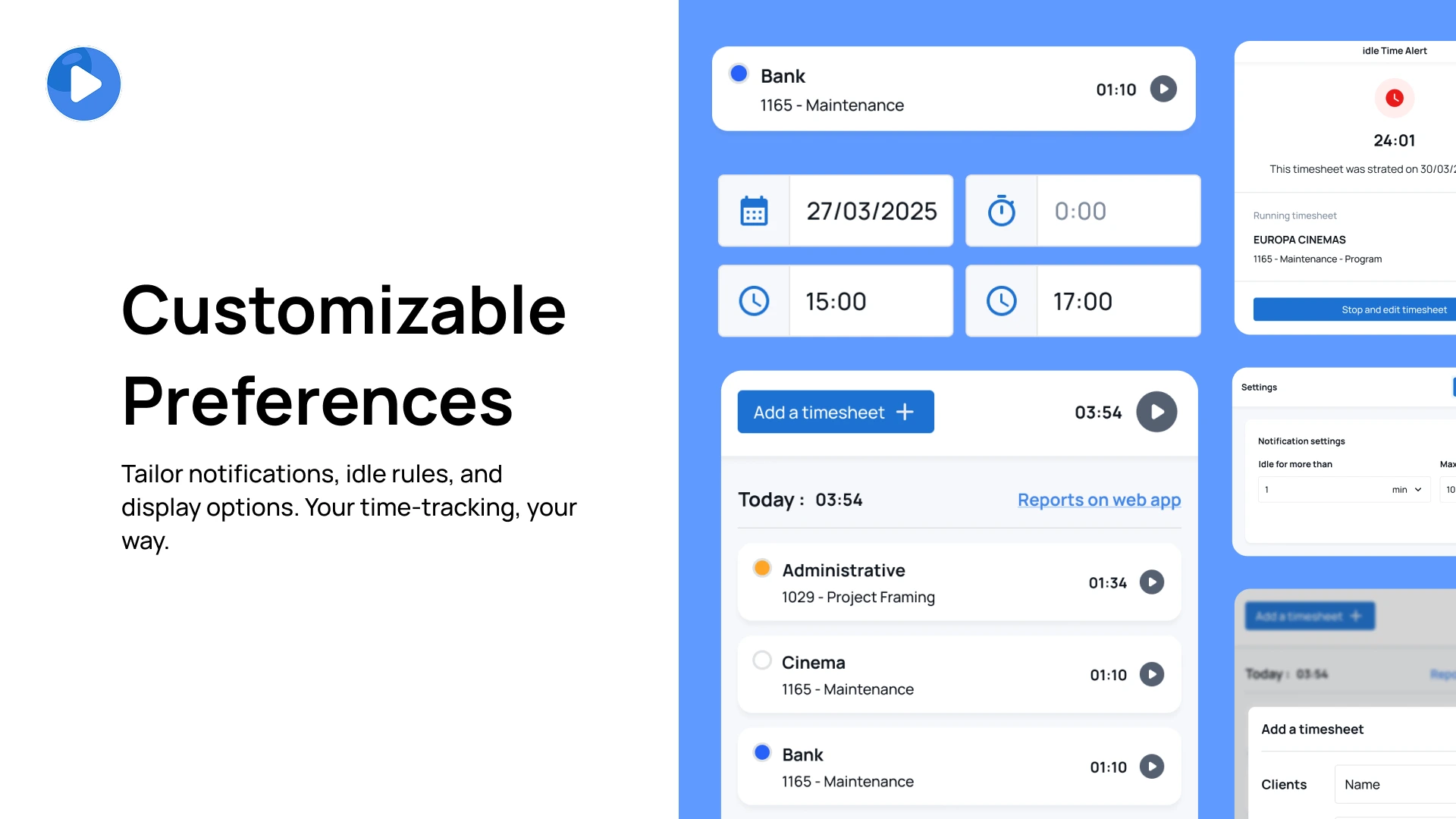
Customizable Preferences
Tailor notifications, idle rules, and display options. Your time-tracking, your way.
Installation & Activation
Note: You need an internet connection to use KimTrack.
-
Download & Install
Get the installer for your OS from the download page. - Activate Your License
- Open KimTrack and click “Browse your license”
- Select the license file you received via email
- Connect to Kimai
- Enter your API URL (e.g.
https://foobar.kimai.cloud/api/) - Paste your API Token (create one in your Profile → API Access in Kimai)
- Enter your API URL (e.g.
- Customize & Go
Head to Settings to choose your theme, set idle rules, and tailor notifications.
Frequently Asked Questions
Q: What if I need help?
A: Our support team is just an email away at contact@playmoweb.com or open an issue on GitHub.
Q: Can I use KimTrack with any Kimai instance?
A: Absolutely! Both Kimai Cloud and On-Premise installations are supported. Just enter your API URL and API Token, and you’re good to go.
Q: Is my data secure?
A: Yes! KimTrack uses secure API calls to sync your data with your Kimai instance. Your information is safe and private on your device.
Zrzuty ekranu
FAQ
Te pytania i odpowiedzi są dostarczane przez dewelopera tej oferty.
You can buy the plugin via the Marketplace ‘Stripe’ and pay with Credit Card.
Support-questions, bug-reports and feature-requests can be made via the email contact@playmoweb.com.