Kimai
Kimai
Прилагођени ЦСС
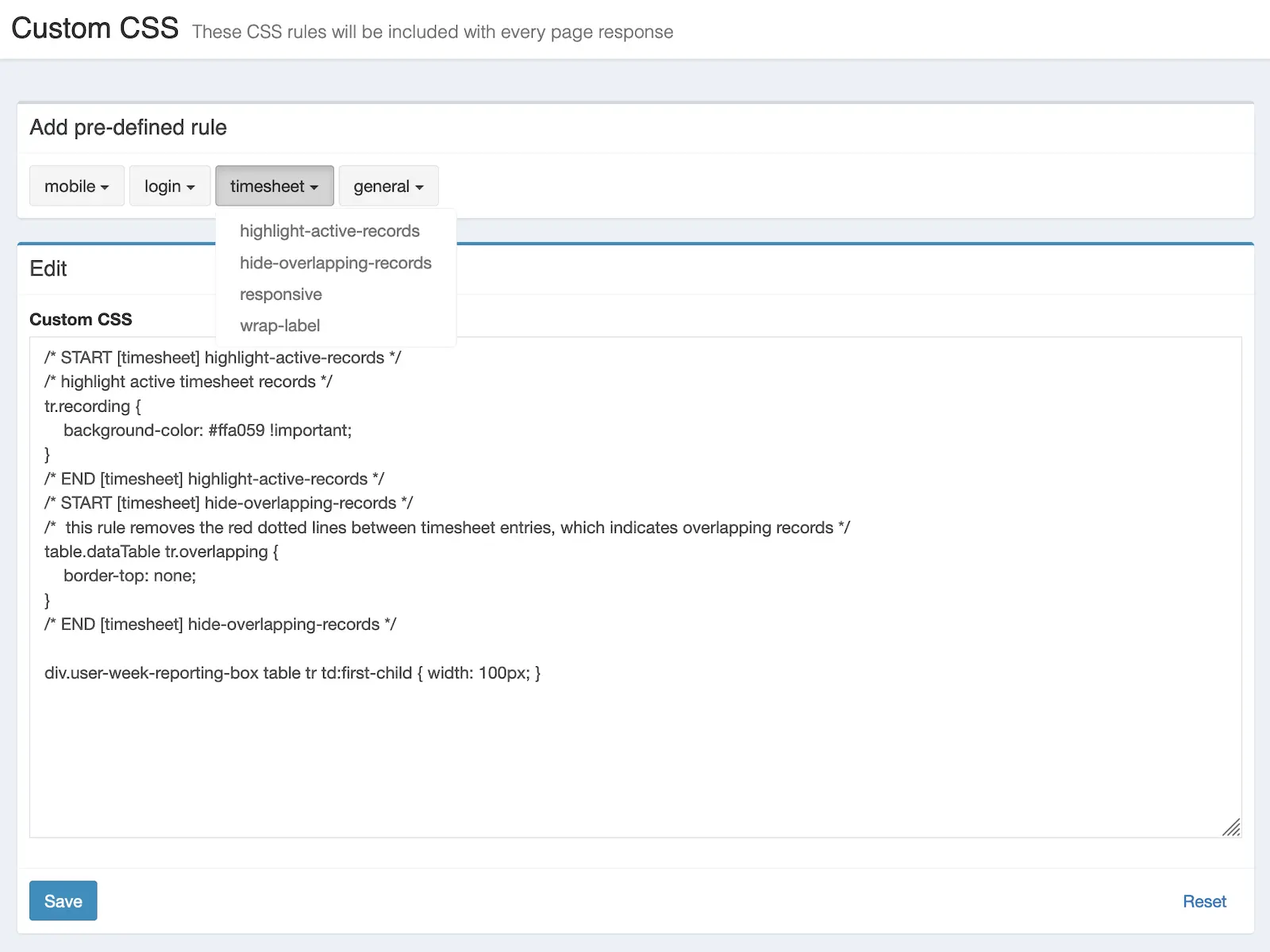
Омогућава додавање прилагођених ЦСС правила путем администраторског екрана.

Kevin Papst
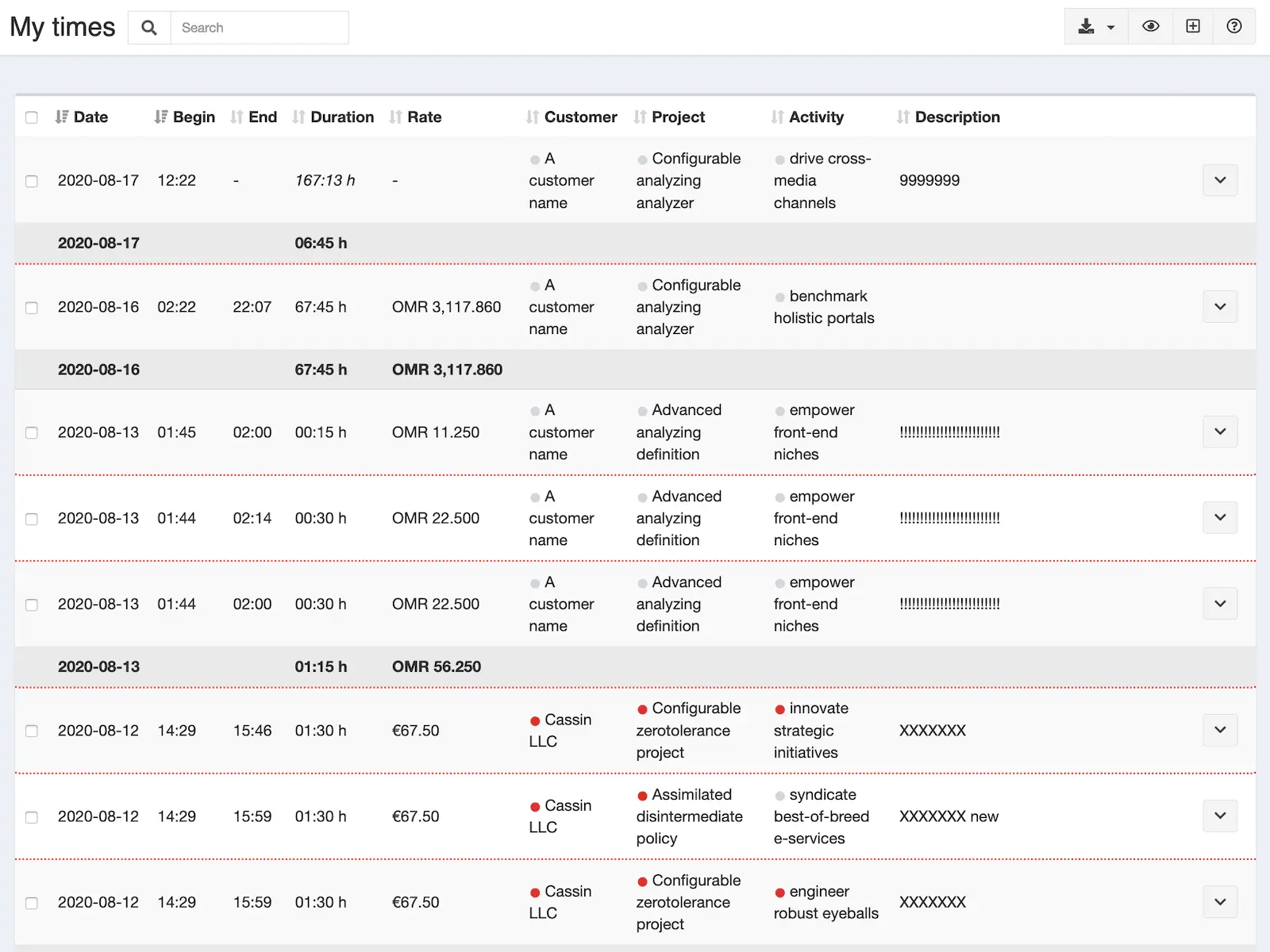
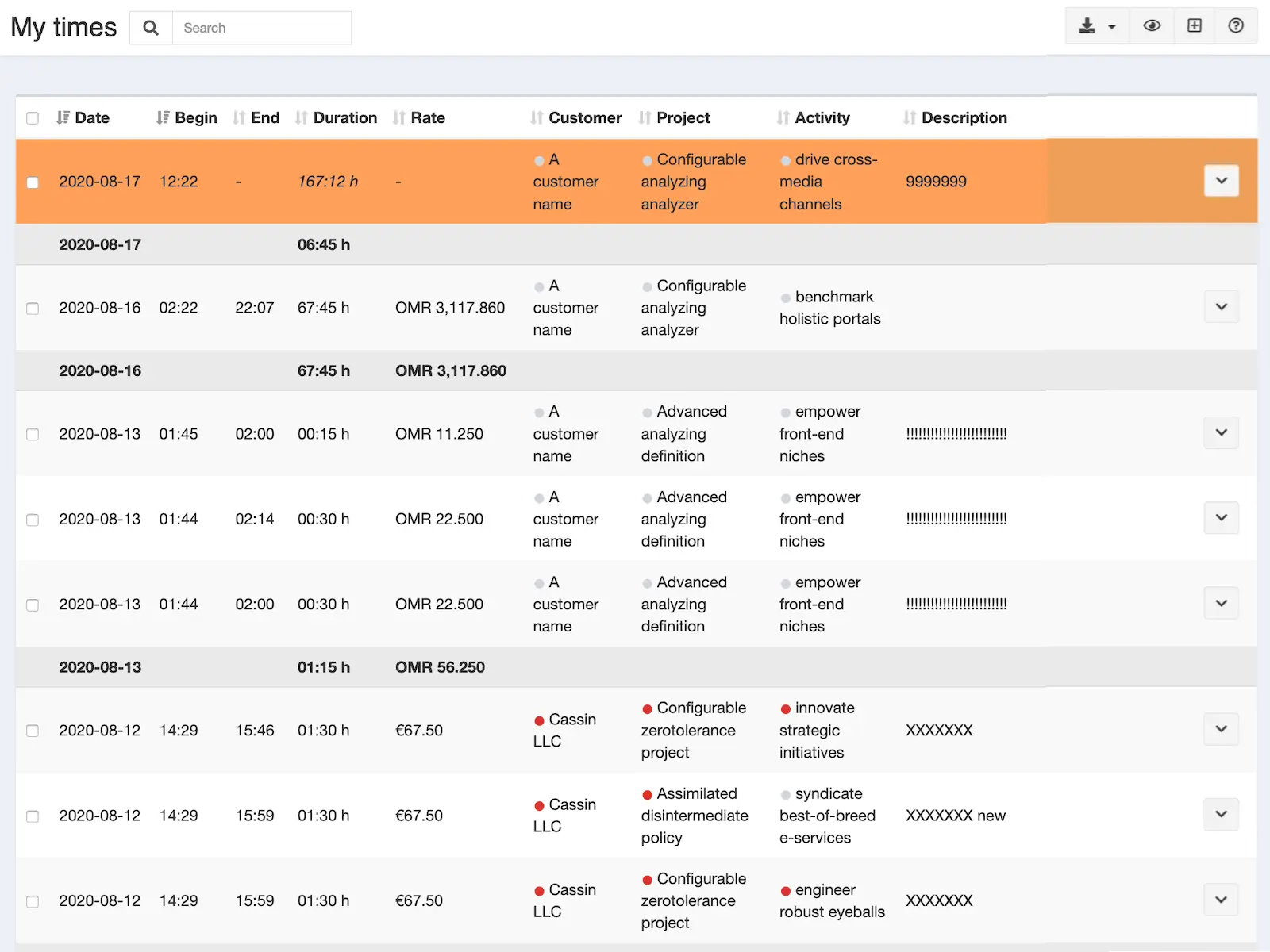
If you want to change the look and feel of Kimai, you can use this bundle to add your own CSS rules.
Examples styles can be found in the documentation.
Alternative
If you want to add custom Javascript (or add a custom page with markdown content or show a site wide message), please have a look at this item instead: Прилагођени садржај
Storage
This bundle stores the custom CSS rules in the file var/data/custom-css-bundle.css.
Make sure it’s writable by your webserver and included in your backups.
Компатибилност
Следећа табела садржи поређење између додатка и најмање потребне Kimai верзије.
| Верзија пакета | Најмања Kimai верзија |
|---|---|
| 2.2.0 | 2.17.0 |
| 2.1.0 | 2.1.0 |
Инсталација
Копирај фајлове
Extract the ZIP file and upload the included directory and all files to your Kimai installation to the new directory:
var/plugins/CustomCSSBundle/The file structure needs to look like this afterwards:
var/plugins/
├── CustomCSSBundle
│   ├── CustomCSSBundle.php
|   └ ... more files and directories follow here ...
Испразни кеш меморију
After uploading the files, Kimai needs to know about the new plugin. It will be found once the cache was re-built. Call these commands from the Kimai directory:
How to reload Kimai cache
bin/console kimai:reload --env=prod
It is not advised, but in case the above command fails you could try:
rm -r var/cache/prod/*
You might have to set file permissions afterwards:
Adjust file permission
You have to allow PHP (your webserver process) to write to var/ and it subdirectories.
Here is an example for Debian/Ubuntu, to be executed inside the Kimai directory:
chown -R :www-data .
chmod -R g+r .
chmod -R g+rw var/
You might not need these commands in a shared-hosting environment.
And you probably need to prefix them with sudo and/or the group might be called different from www-data.
Ажурирања
Updating the plugin works exactly like the installation:
- Delete the directory
var/plugins/CustomCSSBundle/ -
Execute all installation steps again:
- Копирај фајлове
- Испразни кеш меморију
Испробај
Овај додатак можеш тестирати на demo.kimai.org:
Корисничко име: susan_super
Лозинка: password
Снимци екрана