Kimai
Kimai Jira Синхронизација
Аутоматски синхронизује Kimai временске уносе у Atlassian Jira worklog-ове са креденцијалима по кориснику и енкриптованим token складиштем. Бесплатно за један пројекат.

Jan Čejka
KimaiJiraSync is an integration plugin for Kimai and Atlassian Jira.
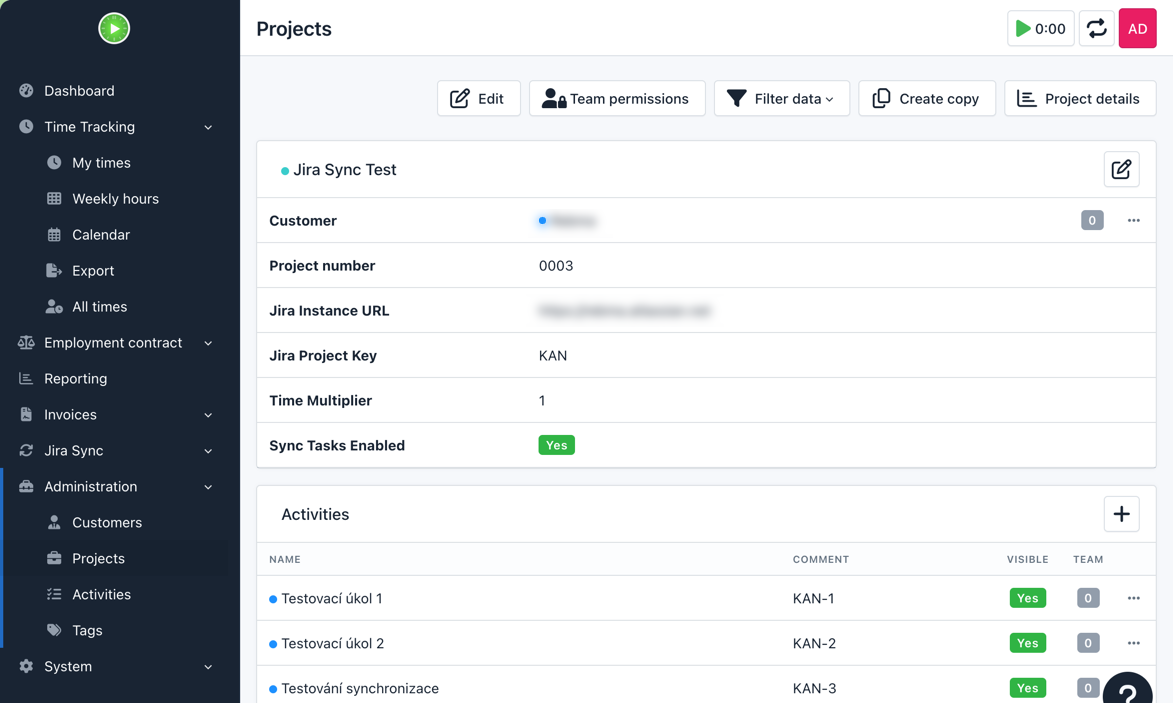
It automatically synchronizes worklogs from Kimai to Jira whenever a timesheet entry is created, updated or deleted. It also supports importing open Jira tasks into Kimai as activities, helping teams keep project and reporting workflows aligned across both systems.
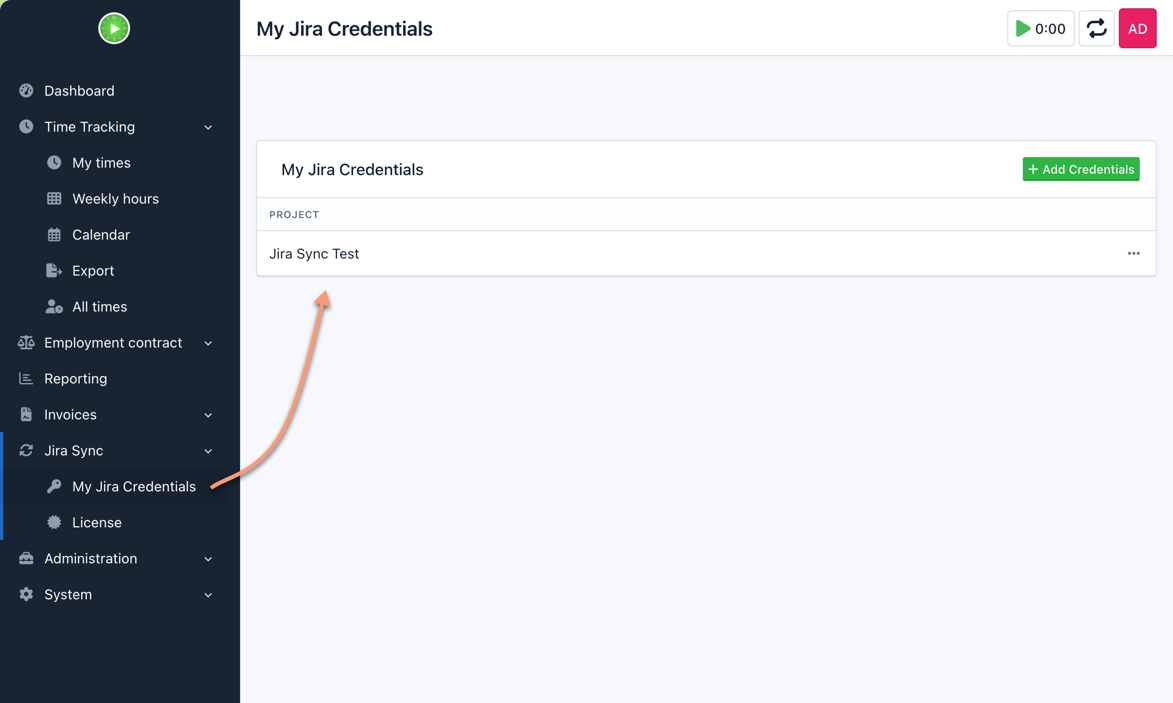
The plugin supports flexible Jira issue mapping via activity meta fields or description prefixes, per-user and per-project Jira credentials, optional time multipliers and encrypted Jira API token storage.
KimaiJiraSync can be used free of charge with one Kimai project, which makes it easy to evaluate in a real environment. A paid subscription is required for multi-project usage.
Download
Download the free version for one project from the public distribution:
https://github.com/Cuchulain/kimai-jira-sync-assets/tree/main/dist
Requirements
- Kimai version 2.56.0 or newer
- Jira Cloud or Jira Server access
Pricing
- Free for one project
- Subscription required for multiple projects
Buy license for multiple projects
Subscribe (79 € / year) at Lemon Squeezy.
Инсталација
Копирај фајлове
Extract the ZIP file and upload the included directory and all files to your Kimai installation to the new directory:
var/plugins/KimaiJiraSync/The file structure needs to look like this afterwards:
var/plugins/
├── KimaiJiraSync
│   ├── KimaiJiraSync.php
|   └ ... more files and directories follow here ...
Испразни кеш меморију
After uploading the files, Kimai needs to know about the new plugin. It will be found once the cache was re-built. Call these commands from the Kimai directory:
How to reload Kimai cache
bin/console kimai:reload --env=prod
It is not advised, but in case the above command fails you could try:
rm -r var/cache/prod/*
You might have to set file permissions afterwards:
Adjust file permission
You have to allow PHP (your webserver process) to write to var/ and it subdirectories.
Here is an example for Debian/Ubuntu, to be executed inside the Kimai directory:
chown -R :www-data .
chmod -R g+r .
chmod -R g+rw var/
You might not need these commands in a shared-hosting environment.
And you probably need to prefix them with sudo and/or the group might be called different from www-data.
Направи базу података
Run the following command:
bin/console kimai:bundle:kimaijirasync:installThis will create the required database tables and update them to the latest version.
If you see an error like There are no commands defined in the "kimai:bundle:XYZ" namespace.,
then either the directory has a wrong name (must be var/plugins/KimaiJiraSync/) or you forgot to clear the cache (look above).
Ажурирања
Updating the plugin works exactly like the installation:
- Delete the directory
var/plugins/KimaiJiraSync/ -
Execute all installation steps again:
- Копирај фајлове
- Испразни кеш меморију
- Update database with
bin/console kimai:bundle:kimaijirasync:install
Снимци екрана